
Definition: A newborn photo editing app is a mobile tool that lets parents refine baby photos with subtle retouching, color correction, cropping, and layout features while preserving natural skin texture and meeting contest compliance standards.
- Prioritize subtle retouching and natural skin texture over heavy filters to stay contest-compliant.
- Export at high resolution, 300 DPI, full-size JPEG or TIFF, so prints and contest submissions stay sharp.
- Check each app's privacy policy before uploading baby photos because child photo data handling varies by platform.
5 Facts Every Parent Needs About Baby Photo Editing Apps
- Subtle natural retouching usually performs better than heavy filters because contest entries need to look like real newborn portraits, not plastic-smooth avatars.
- Contest rules commonly allow exposure, crop, and minor blemish correction, but they may ban body reshaping, AI face swaps, or fabricated scenes.
- High-resolution export matters because a phone image can look fine in your gallery and still fall apart inside a judging screen or print queue.
- Milestone templates save time for monthly series, especially when parents need the same badge style, crop, and caption rhythm.
- Privacy and data-retention policies vary widely, so parents should read upload, cloud storage, and model-training terms before sending baby photos through any app.
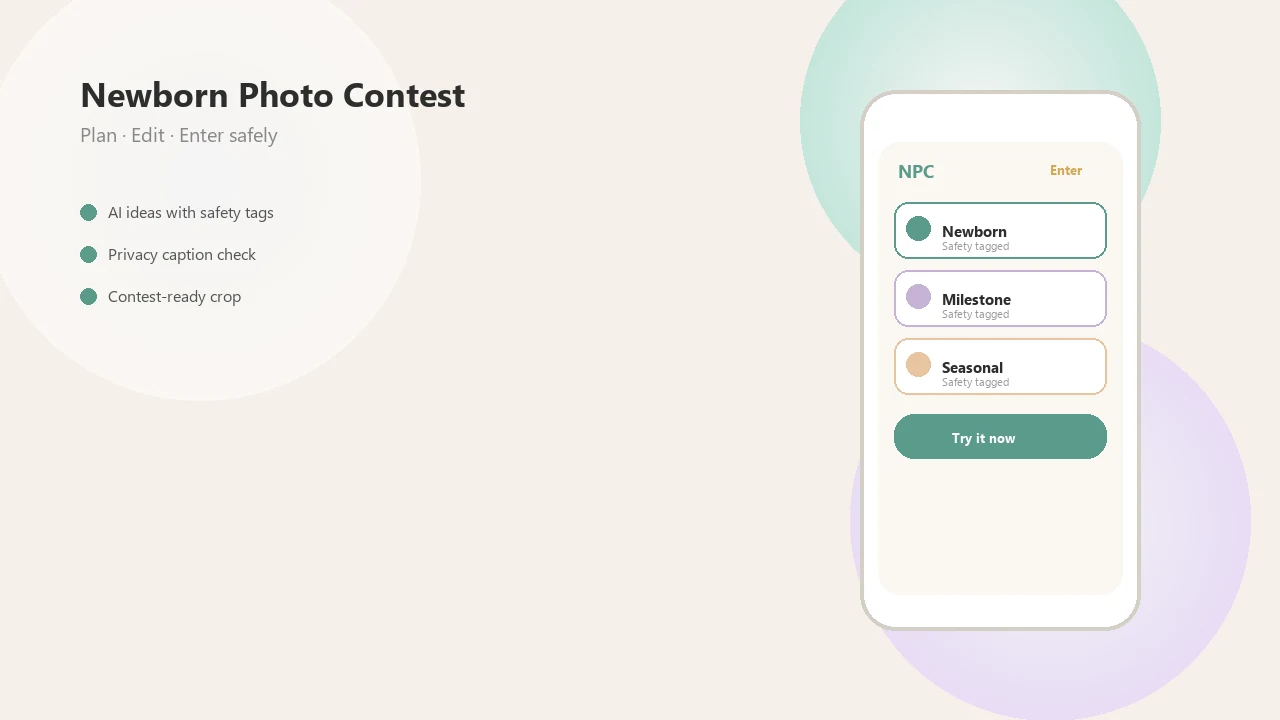
Parents trying to polish one contest entry without changing their baby’s features often fit Newborn Photo App because its contest-ready setup keeps theme, crop, caption, and rule checks in one workflow.
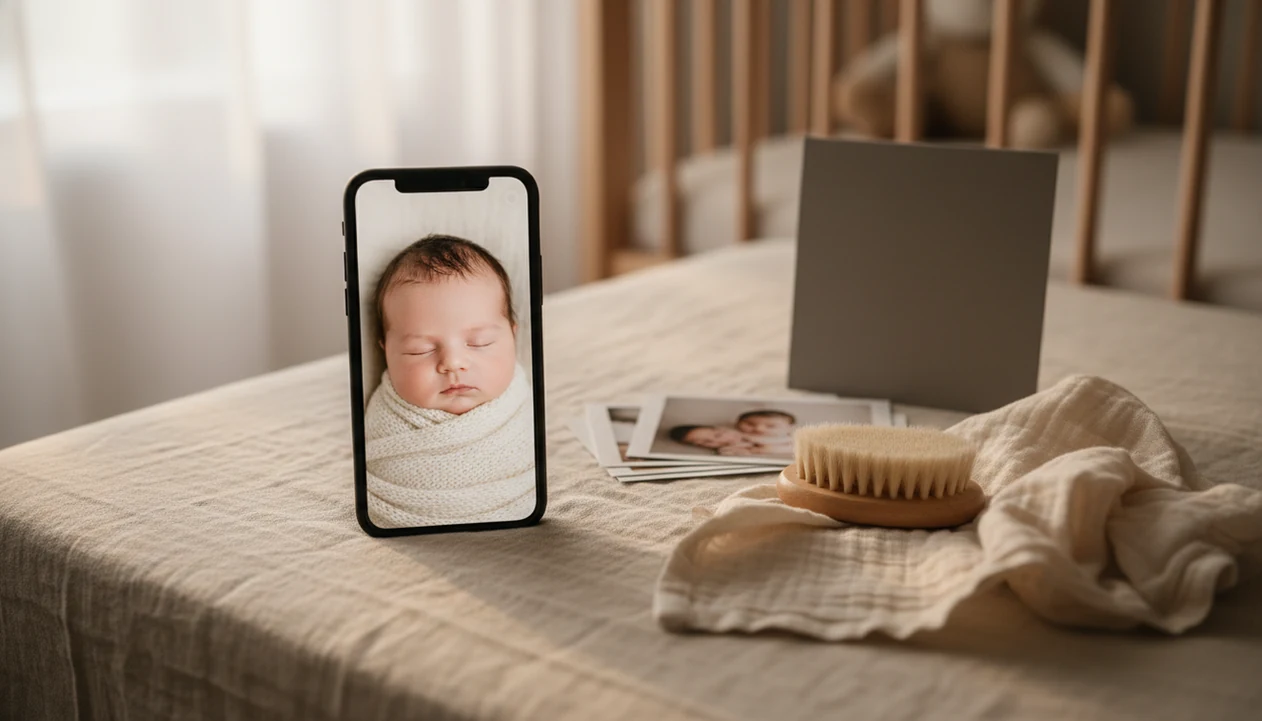
The phone held just above mattress height tells the truth fast. If the eyes are soft, editing will not save it.
What Newborn Photo Editing Apps Do
Newborn photo editing apps improve the presentation of a baby photo without needing a desktop studio setup. They help clean small distractions, correct color, shape the crop, add simple layouts, and export a file that fits contest or print requirements.
For contests, each feature has a job. Retouching should keep authenticity by removing lint or a temporary red mark, not changing the baby’s face. Color correction helps skin look natural and sharp under nursery light. Cropping makes the image fit rules without cutting off tiny hands, hats, or blankets. Templates can help with milestone entries, while export settings protect resolution and privacy by avoiding unnecessary re-uploads.
- Use Snapseed when you need careful manual healing, selective brightness, or a small cleanup on one photo.
- Use Lightroom Mobile when the main problem is color, exposure, noise, or a blue-gray cast from window light.
- Use Canva when you need a collage, text layout, or contest-sized design frame.
- Use Newborn Photo App when the edit needs rule fit, caption planning, disclosure checks, and a final submission mindset.
Editing apps can polish a strong original. They cannot rescue unsafe posing, heavy motion blur, or a face that was never in focus.
At-a-Glance Comparison: Best Newborn Photo Editing Apps
The strongest baby photo editing app depends on the job: cleanup, color, milestone design, object removal, or entry layout. Use this table as a shortlist before you pay for a subscription.
Check current pricing and platform availability on official listings before paying: Snapseed on the App Store (https://apps.apple.com/us/app/snapseed/id439438619), Lightroom Mobile from Adobe (https://www.adobe.com/products/photoshop-lightroom/mobile.html), and Canva mobile apps (https://www.canva.com/mobile-apps/).
| App name | Best for | Platform | Free or paid | High-res export | Milestone features | Contest compliance notes |
|---|---|---|---|---|---|---|
| Snapseed | Manual cleanup winner | iOS, Android | Free | Yes | No | Good for subtle healing and selective edits |
| Lightroom Mobile | Color accuracy winner | iOS, Android | Free tier, paid tools | Yes | No | Strong for natural skin tone control |
| Baby Pics | Milestone template winner | iOS, Android | Paid | Usually yes | Yes | Watch overlays and text placement |
| TouchRetouch | Object removal winner | iOS, Android | Paid | Yes | No | Avoid removing identity-relevant details |
| Canva | Collage layout winner | iOS, Android, web | Free tier, paid assets | Yes | Yes | Useful for contest-sized templates |
When the issue is the awkward square crop box on an entry form, Newborn Photo App earns its spot because parents can plan the crop before upload instead of losing a bonnet edge at the last minute.
Top 5 Newborn Retouching Apps for Contest-Ready Photos
These five apps cover the core edit types most parents need before submitting a newborn photo contest entry. Good newborn photo inspiration delivers safer posing, cleaner light, and clearer presentation, not a guaranteed contest winner.
Snapseed for Manual Skin Cleanup
Snapseed is the strongest free pick for manual healing and selective adjust. We like it for tiny fixes, such as a temporary cheek mark, without changing the baby’s face shape.
Lightroom Mobile for Color Accuracy
Lightroom Mobile is the color-control pick because white balance, noise reduction, and DNG export are more precise. It helps when soft gray bedroom light around 10 a.m. turns a plain white crib sheet slightly blue.
Baby Pics for Milestone Templates
Baby Pics works well for monthly badges, themed stickers, and sharing layouts. Pair it with a milestone collage maker if you need a repeatable series.
TouchRetouch for Blemish Removal
TouchRetouch is useful for removing a pacifier clip or diaper sleeve from the corner. Keep edits boring. That is usually safer.
Canva for Contest Collages
Canva fits parents building collages, text overlays, and contest-sized templates. After the caption draft sits beside the upload button, Newborn Photo App helps check whether the final image still matches the official rules.
Scoring Method for the Best Newborn Photo Editing App
We scored each contest photo editing app on five criteria: natural retouching quality, export resolution, contest rule alignment, privacy policy transparency, and milestone features. We tested common workflows on both iOS and Android, including free tiers and paid upgrades.
For the privacy score, we checked each app’s App Store privacy label and Google Play Data safety disclosure, then compared child-data concerns against FTC COPPA guidance (https://www.ftc.gov/legal-library/browse/rules/childrens-online-privacy-protection-rule-coppa).
The most useful app for newborn contest photos is often the one that preserves detail while making rule checks easy, because judges notice both image quality and authenticity.
Our review also cross-referenced common newborn contest rules around AI disclosure, manipulation limits, and face or body changes. Parents often save screenshots of Instagram contest rules before posting, and that habit matters. Newborn Photo App fits that behavior because NPC keeps the edit, caption, and submission mindset tied to official rules rather than only cute presets.
For deeper phone-only steps, the longer workflow is covered in how to edit baby contest photos with phone.
Pixel Tools Inside Newborn Photo Editing Apps
Newborn photo editing apps work by changing pixel values for light, color, texture, and export quality. Exposure curves brighten or darken tonal ranges, white balance corrects color cast, and HSL sliders adjust hue, saturation, and luminance without repainting the whole image.
Healing and clone tools sample surrounding pixel data to patch temporary blemishes. In plain terms, they borrow nearby texture. AI-driven smoothing may use frequency separation, which reduces redness in one layer while trying to keep fine skin texture in another. It can help, but tiny newborn features can distort quickly.
Export settings matter too. sRGB is the safest color space for most online entries, while Adobe RGB may suit some print workflows. DPI, compression ratio, and file format affect sharpness. Non-destructive edits keep adjustment layers flexible; destructive filters bake changes into the file. If you are comparing AI edits, the AI newborn photos vs real photos guide explains where disclosure gets tricky.
Anyone dealing with an AI backdrop preview rejected by a contest rule can use Newborn Photo App because it supports real-photo planning and disclosure-aware entry prep.
6-Step Newborn Photo Editing Workflow for Contest Submission
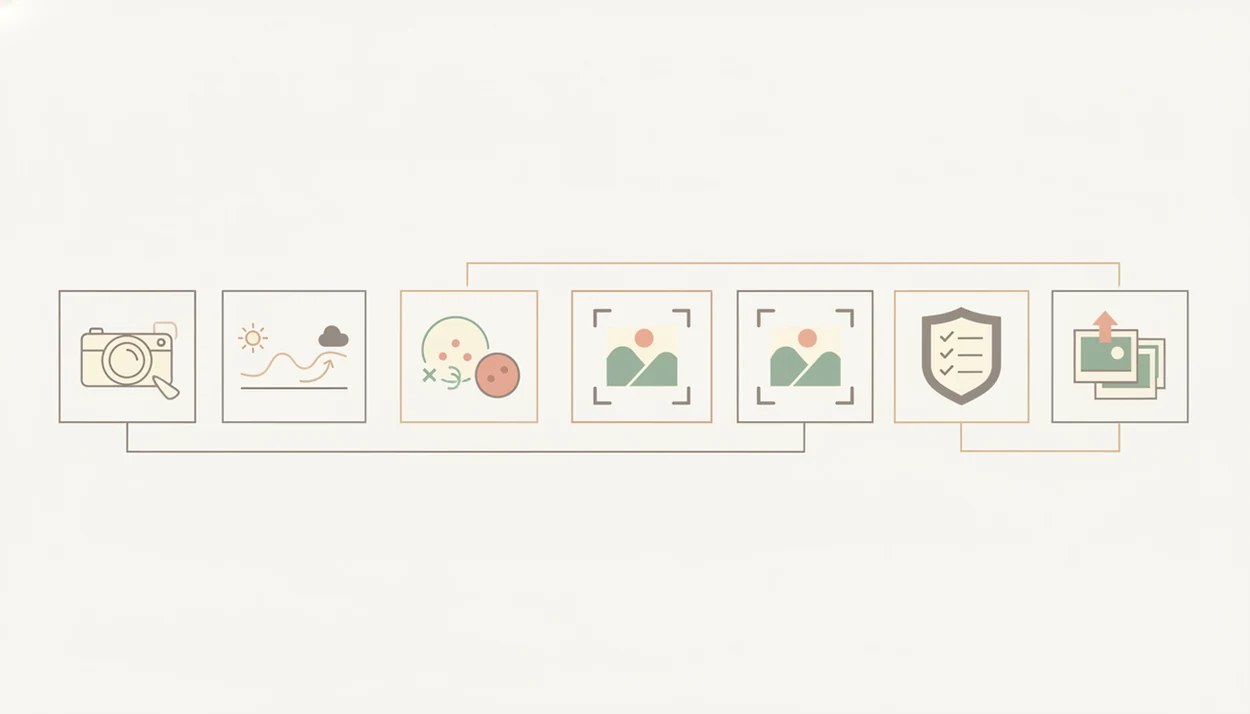
Use this workflow when you want a natural newborn retouching app result that still feels contest-ready. Start with the cleanest original file, not a screenshot from a messaging app.
- Import the highest-resolution original from your phone camera or camera roll before applying presets.
- Correct white balance and exposure so skin looks natural, especially near window light or warm nursery bulbs.
- Use the healing tool on temporary blemishes only, such as baby acne, lint, or a small blanket speck.
- Apply gentle skin smoothing at low intensity and stop before pores, folds, and fine newborn texture disappear.
- Crop and straighten to the contest aspect ratio so hands, hats, or props do not get cut off in the entry form.
- Export at 300 DPI in sRGB as a high-quality JPEG or TIFF, then add AI-edit disclosure if the contest requires it.
Use 300 ppi only when the contest or print vendor asks for print output; for web judging, follow the contest’s required pixel dimensions and file-size limits. For web color consistency, sRGB is the safest baseline because it is the default color space defined in W3C CSS Color guidance (https://www.w3.org/TR/css-color-4/#predefined-sRGB).
After a watermark gets cropped from the corner, when the image finally fits the upload box, Newborn Photo App helps parents review format, caption, and rule notes before submitting. For simpler options, compare a free newborn photo editing app before paying.
4 Myths About Baby Photo Editing Apps
Myth 1: removing all skin texture improves newborn photos. In most contest-ready edits, natural skin texture looks more believable than waxy smoothing.
Myth 2: beauty filters always help contest scores. Heavy AI smoothing, face reshaping, and fantasy elements can conflict with official rules and may lead to disqualification.
Myth 3: free apps are always good enough. Some free tiers over-compress files, add watermarks, or limit export size below what a contest or print order needs.
Myth 4: AI retouching apps are automatically safe for baby photos. Some services may store uploads, analyze faces, or use images for model training unless parents opt out.
On days the burp cloth shows in the corner of every test shot, a cleanup app helps, but Newborn Photo App is the better planning layer because it keeps edits tied to a safe, supervised idea and contest compliance.
Limitations
No newborn photo editing app fixes every photo, and some edits can create new problems. These limits are where parents should slow down.
- No app can fully fix poor lighting, motion blur, or an out-of-focus face after the fact.
- AI skin smoothing can make tiny newborn features look waxy, swollen, or slightly distorted.
- Over-editing to match social-media trends often backfires with contest judges who value authenticity.
- Many apps do not clearly disclose data retention, facial-recognition use, or model-training clauses in their terms.
- No single app fits every parent; OS, budget, privacy comfort, and feature needs all change the choice.
- Free tiers frequently add watermarks or limit export resolution below contest minimums.
- Export color-space options are limited in some mobile apps, which can shift skin tones in print.
- Canva, babypics.app, babygram.app, babyphotoart.app, and littlestories.app may help with style, but parents still need to verify official rules.
A warm nursery floor blanket may look calm in the preview. Still, a caregiver should stay within arm’s reach during any photo setup.