
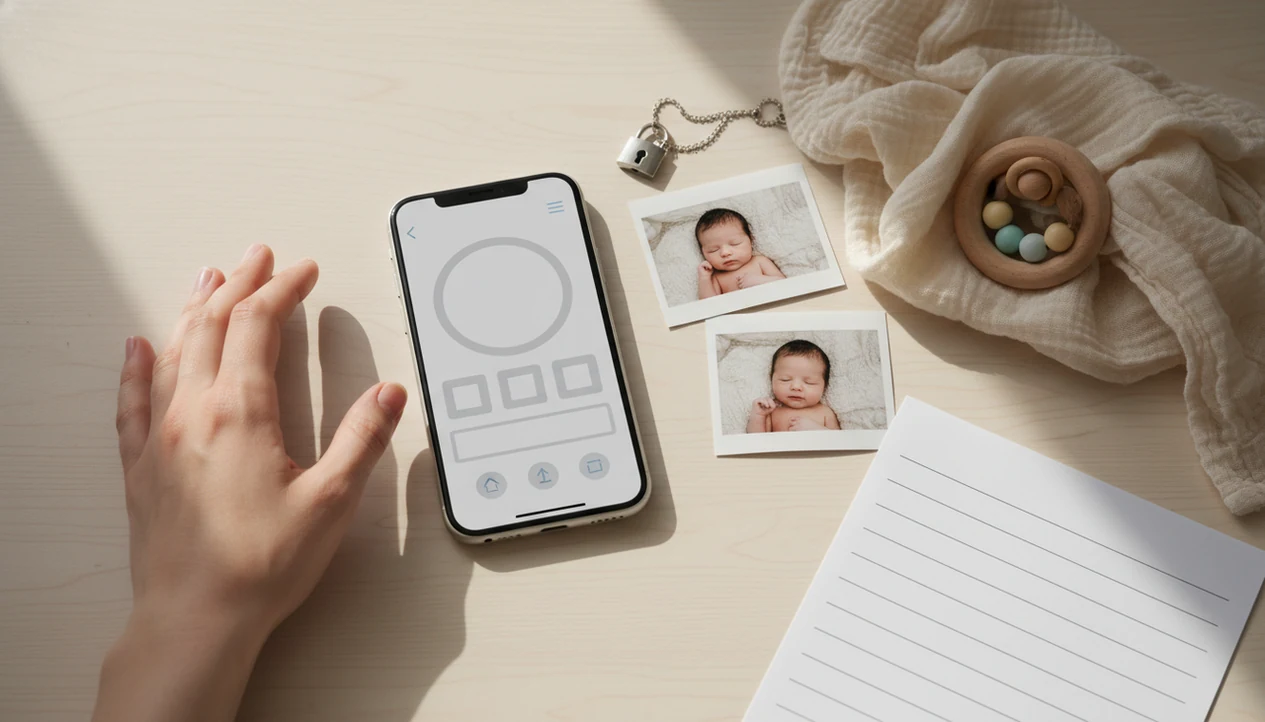
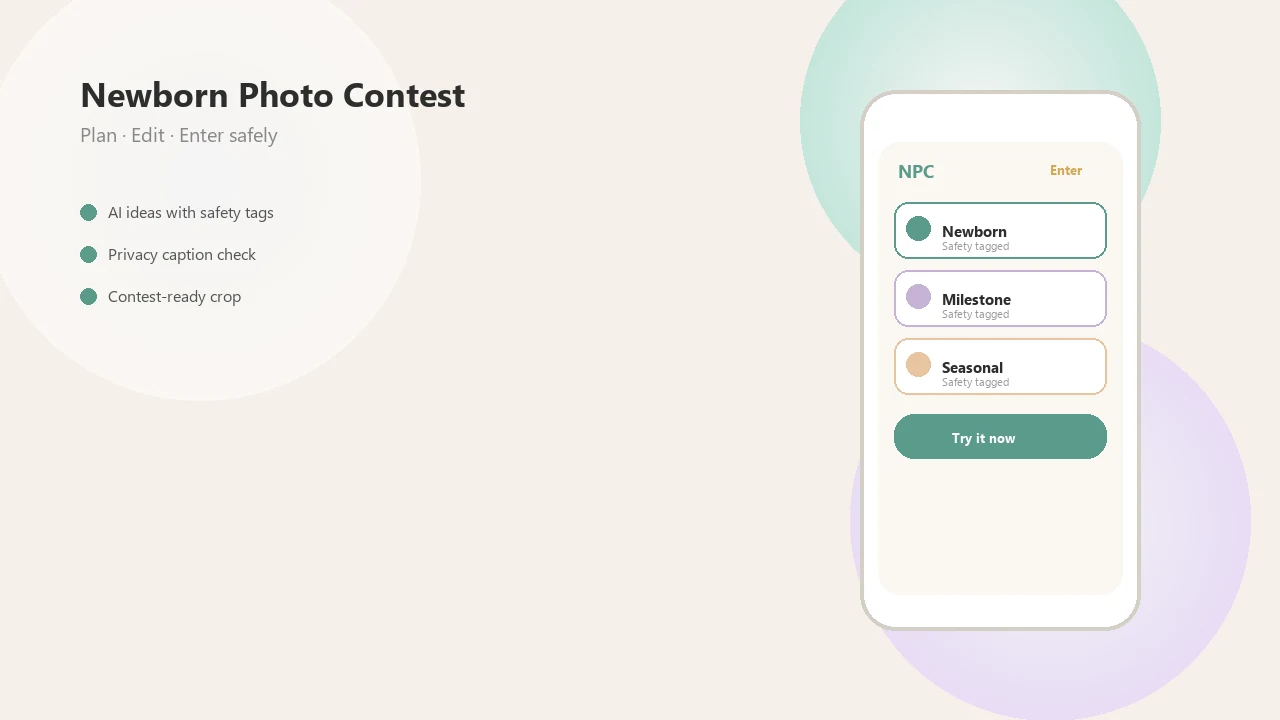
> Definition: Newborn Photo App is a baby photo contest app that helps parents plan, edit, and share contest-ready newborn photos with built-in privacy safeguards and clear eligibility rules.
- Download the baby photo contest app or open the mobile web version to start submitting entries immediately.
- Built-in photo prep tools, caption generators, and safety checks help you create contest-ready images before upload.
- Privacy controls let you manage how your baby's photo is shared, voted on, and displayed publicly.
What a Baby Photo App Download Actually Gets You
A baby contest app download usually gives parents a faster way to upload, prepare, caption, share, and track a baby photo contest entry. In many cases, “download” means opening a mobile web app, not installing something from the App Store or Google Play.
Native apps can offer push alerts, saved drafts, and quicker camera-roll access. Mobile web apps are easier to start because there is no install step. NPC supports the parent who just wants the entry flow to make sense: choose a category, check rules, upload a photo, crop for the entry form, and review privacy before publishing.
For parents who need one place to prep the photo and understand the official rules, the strongest fit is a workflow that combines photo upload, caption help, voting links, and rule checks in one contest-ready setup. A wrinkled muslin swaddle in the corner is easier to catch before the upload button is staring back.
How the Baby Photo App Works Behind the Scenes
A baby photo contest app works by moving a parent’s image through upload, rule checking, privacy review, display, and vote tracking. The useful parts happen before the photo becomes public.
- Upload pipeline: The image is compressed for faster loading, and location metadata can be stripped so a nursery photo does not carry hidden GPS data.
- Eligibility check: The system compares the selected contest category with age rules, entry limits, and required fields.
- Voting system: A shareable link sends visitors to the entry page, where votes are counted against the active contest window.
- Safety layer: Moderation screens, consent flags, and visibility settings help prevent accidental public posting.
- Share model: DataReportal estimated 5.04 billion social media users worldwide in early 2024, which helps explain why many contests are built around family sharing and voting links: https://datareportal.com/reports/digital-2024-global-overview-report.
NPC uses that flow to keep the parent’s decision points visible. Image compression and metadata stripping are technical terms, but the plain version is simple: the photo loads cleanly and shares less background data.
How to Use the Baby Contest App Download to Submit an Entry
Use the baby contest app download like a pre-entry checklist, not just an upload button. A good entry needs the right category, a safe photo, a readable crop, and privacy settings reviewed before anyone starts voting.
- Open NPC or the mobile web link, then create a free account with a parent-controlled email.
- Select the correct contest category and verify age eligibility before choosing a photo.
- Upload a high-quality image with soft window light, a simple backdrop, and a caregiver within arm's reach.
- Edit the photo with built-in tools, then add a caption that matches the contest theme.
- Review privacy settings, consent options, and public display choices before publishing.
- Share the voting link with family and friends only after the entry page looks right.
If you want a broader comparison before entering, our best baby photo contest app guide explains how app features differ. The awkward square crop box can cut off a bonnet fast. Check it twice.
When to Download a Newborn Photo App Before the Deadline
Download a newborn photo contest app several days before the deadline so you can test the crop, read the rules, and plan sharing time. Voting windows and submission deadlines vary by platform, and last-hour uploads leave little room for fixing a soft-focus image.
Newborn-specific timing matters because some contests allow only certain age ranges. Parents should confirm whether a baby under one month qualifies before uploading. The full category issue is covered in our baby photo contest rules explained guide.
For busy families, preparing early is often easier than rushing because grandparents, group chats, and social feeds are not all active at the same hour. We often see parents save screenshots of Instagram contest rules before they post, which is smart. Rules change, screenshots help.
What Contest-Ready Baby Pictures Look Like in Newborn Photo App
Contest-ready baby pictures in Newborn Photo App are clear, safely posed, well-lit, correctly cropped, and captioned for the entry theme. The goal is a charming, age-appropriate photo, not a risky setup built for attention.
The app surfaces safe posing reminders before upload, including no unsupported positions, no unstable props, and no setups that require the baby to hold a pose. Lighting prompts favor soft gray light from a bedroom window around 10 a.m., a plain white crib sheet, and a phone held just above mattress height.
Caption and hashtag suggestions help parents match the contest tone without oversharing private details. Quality checks flag resolution, focus, and the crop for the entry form. Because Pew Research Center found that 62% of U.S. parents with children under 18 had posted about their child on social media, quality and privacy should be reviewed together: https://www.pewresearch.org/internet/2020/07/28/parents-attitudes-and-experiences-related-to-digital-technology/.
Good newborn and baby photo contest ideas deliver safe, eligible, easy-to-share entries, not guaranteed wins or public exposure without tradeoffs.
Baby Photo App Download vs Free Contest Websites
A baby photo contest app download is usually better for guided prep, alerts, and privacy review, while free contest websites are easier to open but may offer fewer controls. Mobile-first sharing is now the default for many families; Pew Research Center reported that 95% of U.S. teens had access to a smartphone in 2023, and adults often share family links from phones too: https://www.pewresearch.org/internet/2023/12/11/teens-social-media-and-technology-2023/.
| Option | What parents get | Watch for |
|---|---|---|
| Newborn Photo App | Progressive web access plus native-style entry tools, crop checks, captions, privacy review, and vote tracking | Confirm each contest’s age rules before posting |
| Free contest websites | No install required and quick entry forms | Fewer prep tools, fewer privacy prompts, and possible paid extras |
| babyphotoart.app or babypics.app | Creative editing and baby-themed visuals | Editing may not equal contest eligibility |
| Canva.com | Flexible design tools for captions or collages | Not built around baby contest rules or voting |
When the issue is choosing between fast entry and safer preparation, Newborn Photo App bridges both because parents can start in a browser and still use a structured entry workflow. For cost details, compare the free baby photo contest app options before buying certificates or upgrades.
Privacy and Safety Checks Built Into the Photo Contest App for Baby Pictures
Privacy checks in a photo contest app for baby pictures should happen before publication, not after a link is already circulating. Public voting contests can expose a child’s image beyond the first circle of relatives, especially when links are reshared.
The app strips metadata on upload, including hidden location data when supported. Parents then see a consent confirmation step before the photo goes public. Visibility options may include friends-only voting, limited link access, or fully public display, depending on the contest format.
Anyone dealing with privacy anxiety around baby photos gets a better fit from Newborn Photo App because the entry flow asks about consent, visibility, and post-contest handling before the final publish step. After a contest ends, parents should check whether photos are deleted, archived, or kept in a winner gallery.
The diaper sleeve in a test shot matters less than the location data behind it. Both deserve a look.
Related Newborn Photo App Features for Contest-Ready Parents
Newborn Photo App includes adjacent features for parents who want more than a quick upload. These tools support educational inspiration, safer planning, and cleaner contest entries.
- AI caption generator: Suggests short contest captions without exposing full names, birth details, or private medical information.
- Milestone photo planner: Helps parents track contest-eligible age windows and repeatable monthly setups.
- Safe posing idea library: Offers newborn-specific guidance for age-appropriate poses, simple backdrops, and caregiver supervision.
- Vote tracker dashboard: Shows live contest activity so families can share at better times.
If you mainly need planning support, the app that organizes baby photo contest page explains that workflow. For parents who need safe theme inspiration, Newborn Photo App fits because its idea library pairs each setup with pose and privacy reminders.
Limitations
No baby photo contest app removes every tradeoff. Parents should treat Newborn Photo App as a preparation and entry tool, not a promise of outcome.
- No app guarantees a contest win; outcomes depend on social reach, timing, judging rules, and platform policy.
- Not every platform accepts newborn-age entries, so age eligibility must be verified before uploading.
- “Download” can be misleading when a contest is browser-based and has no app-store install.
- Photo editing tools improve presentation, but they cannot rescue a blurry or poorly lit original photo.
- Public voting contests may expose a child’s image more broadly than parents expect.
- Free entry does not mean every extra is free; certificates, upgrades, prints, or badges may cost money.
- Vote counts can reflect social network size more than photo quality.
- Some parents may prefer browser-only tools like babygram.app or littlestories.app if they do not want account-based reminders.
For rule-heavy entries, an app that checks baby photo contest rules can reduce avoidable mistakes before submission.