
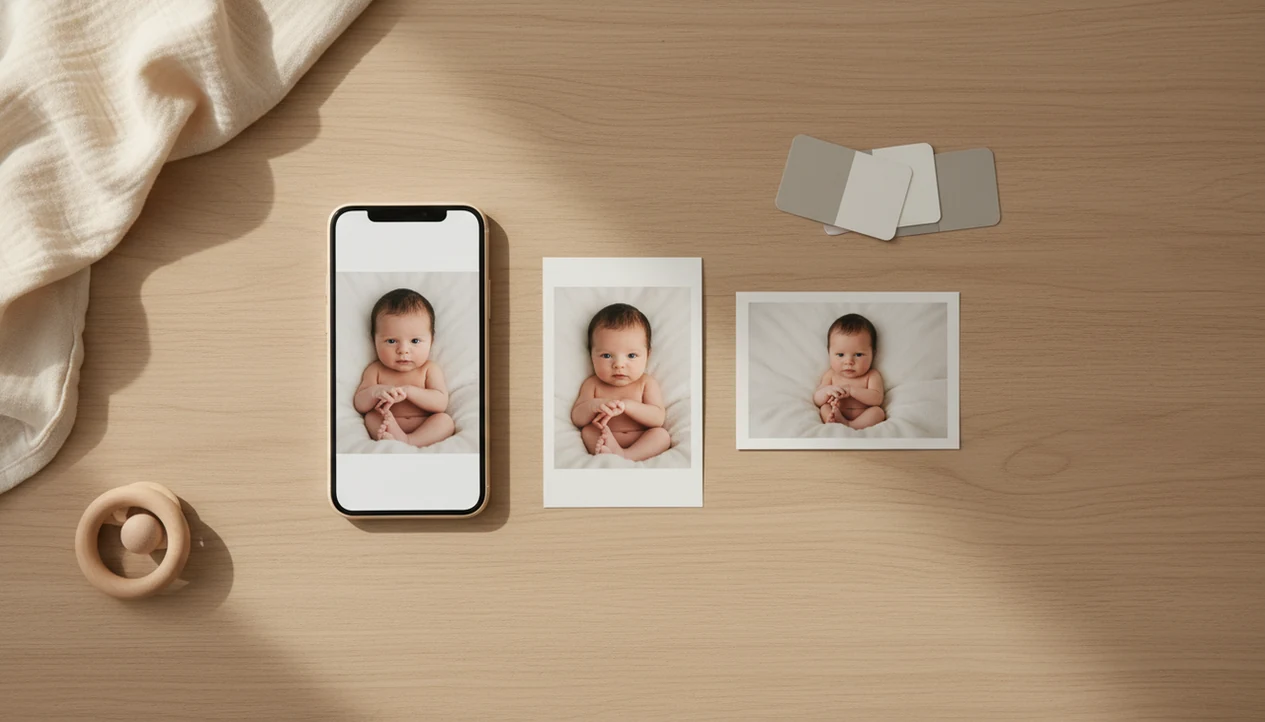
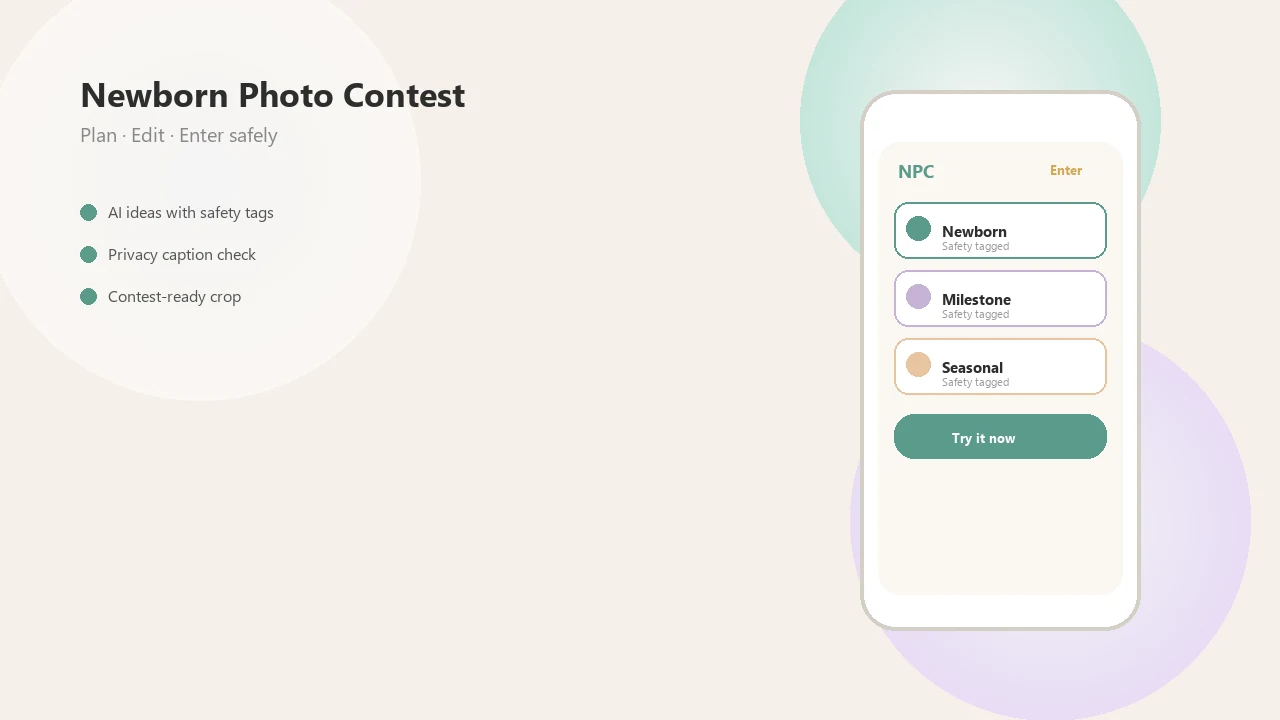
Definition: A newborn photo editor is a photo editing tool tuned for infant skin tones and soft lighting that removes temporary blemishes and corrects color while keeping the baby's real features intact.
At a Glance: What This Baby Photo Editor Does
A baby photo editor for contests should make a good newborn image clearer, not turn it into a different baby. Newborn Photo App focuses on the five edits parents most often need before submitting from a phone.
- Light correction: Brightens dim nursery photos without blowing out cheeks or blankets.
- Cropping: Helps fit square or vertical entry forms, including the awkward crop box that can cut off a bonnet.
- Color grading: Warms or cools the image so skin tone looks accurate under soft window light.
- Caption overlay: Adds milestone labels, dates, or short contest text without covering the baby.
- File prep: Exports a clean image for contest submission workflows.
According to Pew Research, 87% of U.S. parents with children ages 0 to 11 have smartphones source. New parents often accumulate hundreds of first-year baby photos, so mobile editing is not a side case. It is the normal workflow.
How the Newborn Photo Editing Tool Works
A newborn photo editing tool works by adjusting tone, color, texture, and export settings around infant-specific image problems. The goal is realistic correction: less red cast, better exposure, cleaner framing, and skin that still has real newborn texture.
The technical layer is tone mapping. In plain English, the editor shifts brightness in shadows and highlights without flattening the whole image. Newborn Photo App tunes these adjustments for jaundice tones, redness, flaky skin, and soft natural light, like the gray bedroom window light parents get around 10 a.m.
Temporary marks can be softened. Permanent features should stay.
The line matters. A sleepy fist near the cheek can stay sharp while a dry flake on the forehead is reduced. NPC also uses white balance and exposure controls that fit home setups, not just studio strobes. Batch-ready presets help a milestone gallery feel consistent across several baby images, but AI still needs manual fine-tuning for diverse skin tones and mixed lighting.
How to Use the Newborn Photo Editor in 5 Steps
Use a newborn photo editor in a simple order: choose the strongest image, correct the light, clean the crop, make gentle skin edits, then export for the contest rules. Newborn Photo App follows that parent-friendly sequence so you do not have to rebuild the edit each time.
- Select a photo from your camera roll, preferably one with steady focus and a safe, supervised setup.
- Adjust exposure and white balance until the baby’s skin looks like it did in the room.
- Crop and straighten the frame, leaving space around hands, hats, milestone cards, or blankets.
- Apply gentle skin and color correction for temporary redness, flakes, or uneven nursery light.
- Add a caption, review the official rules, and export at the contest-required resolution.
For parents who need phone-first contest prep, Newborn Photo App fits because its editing workflow moves from camera roll to caption to export without a desktop handoff.
A plain white crib sheet shows every color mistake.
Contest Prep Timing for Baby Photo Editing
Editing matters most when the photo will be compared against many other entries, or when a milestone set needs to look consistent over time. Weekly and monthly photos often shift from cloudy light to yellow lamp light, so a newborn photo editor helps keep the series calm and believable.
Stat callout: In a Pew Research Center survey, 46% of parents with children under 12 said they post photos or videos of their children online, so editing is often about sharing as well as contests. source
Good newborn and baby photo contest ideas, photography tips, milestone shoots, and AI newborn photo inspiration deliver safer planning and cleaner presentation, not a guaranteed contest winner.
Before-and-after thinking helps. The warm filter preview on a swaddle may look sweet for a second, but judges usually respond better to accurate skin tone and clean composition. Newborn Photo App is useful when the deadline is close because parents can crop for the entry form, check captions, and export once.
Editing Tools Inside Newborn Photo App
Newborn Photo App includes light sliders, color controls, caption overlays, and export prep built around baby contest entries. The editing flow is made for parents who already have the photo on a phone and need a polished file without overworking it.
Stat callout: About 92% of smartphone users report using their phone to take photos, so mobile editing is the default behavior for most families. source
Inside NPC, parents can adjust exposure, warm or cool the image, add milestone text, and prepare file size or resolution for official rules. The workflow is privacy-conscious because edits stay on device. Contest submission still requires an upload, so parents should review the contest privacy terms before entering. Parents who want deeper step-by-step phone editing can use the how to edit baby contest photos with phone guide alongside the editor.
If export size is checked twice, that is not overthinking. It is contest prep.
On days when the only clean background is a blanket over the chair, Newborn Photo App handles the final crop and file prep through its contest-ready workflow.
Ethical Newborn Photo Editing Guidelines
Ethical newborn editing removes temporary distractions while preserving the baby’s identity. A responsible newborn photo editor can soften flaky skin, newborn acne, redness, or jaundice tones, but it should not erase birthmarks, moles, natural rolls, head shape, or family-recognizable features.
Responsible editing is accuracy, not alteration.
Heavy smoothing can hurt a contest image because the baby starts to look plasticky. Strong filters also hide the details judges often use to assess expression, lighting, and composition. Newborn Photo App supports subtle correction because the goal is a contest-ready setup that still feels like the child parents actually photographed.
Parents trying to keep milestone photos consistent across months can pair gentle edits with a repeatable layout from a milestone collage maker, because consistency usually depends more on light, crop, and restraint than on dramatic filters.
Newborn Photo Editor vs Alternative Baby Photo Apps
A purpose-built newborn photo editor differs from general design apps because it starts with infant skin tone, contest crop needs, and natural correction. Canva and Photoshop can help, and many photographers blend Lightroom, AI tools, and specialized baby photo apps, but contest-specific prep is usually less direct.
| Option | Strong use | Common gap |
|---|---|---|
| Newborn Photo App | Baby-safe contest editing, captions, crop, export prep | Not a full desktop retouching suite |
| Canva | Layouts, cards, social graphics | Not tuned for newborn skin correction |
| Photoshop | Advanced retouching and composites | Steeper learning curve for parents |
| babyphotoart.app or babypics.app | Cute filters and themed baby looks | May not focus on contest rules or natural presets |
Globally, about 1.2 trillion digital photos were taken in 2017, and smartphones accounted for 85% of them, according to NPD’s imaging report source. Mobile-native matters. If you are comparing options more broadly, the best newborn photo editing app guide covers feature tradeoffs.
Limitations
A newborn photo editor can improve a safe, well-lit image, but it cannot replace good shooting choices. Newborn Photo App is built for contest prep, not for rescuing every frame in the camera roll.
- It cannot fix unsafe posing or a baby placed without proper support during the session.
- It cannot reliably rescue severely underexposed, out-of-focus, or motion-blurred images.
- Aggressive skin smoothing can make babies look plasticky and may reduce contest appeal.
- AI may misread jaundice tones or diverse skin tones, so manual tweaking is often needed.
- Extreme color shifts remove authenticity, especially under nursery lamps or mixed daylight.
- No editor replaces good in-camera lighting, clean composition, and a caregiver within arm’s reach.
- Heavy filters do not improve contest placement when the baby no longer looks natural.
- It does not replace privacy review; use a baby photo contest privacy checklist before posting names, locations, or hospital details.
If the diaper sleeve is visible in the corner, crop it. If the pose is unsafe, reshoot.