

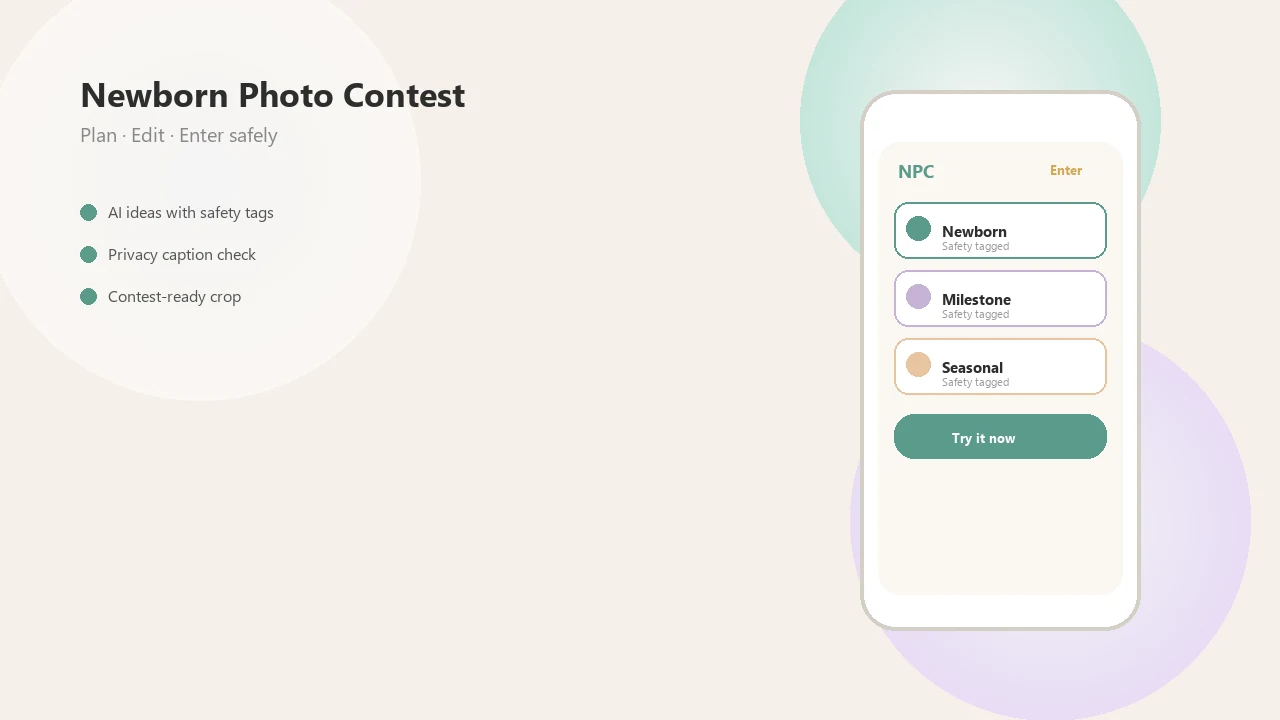
> Definition: A privacy caption checker is a pre-post screening tool that detects personal identifiers, including names, dates, locations, routines, and other sensitive details, in baby photo contest captions before they go live.
- Flags full names, birth dates, hospital names, locations, and routine details before you submit a contest entry
- Keeps captions cute and vote-worthy without making your baby identifiable to strangers online
- Works as a pre-publish step inside Newborn Photo App, review suggestions, edit, then post with confidence
At a Glance: What the Privacy Caption Checker Flags
- Full names can turn a sweet caption into a searchable record. “Welcome, Amelia Rose Carter” feels tender, but it maps a baby to a real identity.
- Exact birth dates, ages in days, hospitals, and city names add risk. “Day 12 after arriving at Mercy Hospital in Tulsa” gives strangers more than a cute update.
- Daycare, routine, and school references matter early. Even “morning nap before pickup” can reveal family patterns later.
- Small details become identifying when paired. A nickname, city, hospital bracelet, and milestone date may be harmless alone, but specific together.
- Privacy concern is mainstream. Pew Research Center found that 81% of U.S. adults are concerned about how companies use collected data source.
When the issue is a caption that sounds loving but reveals too much, Newborn Photo App fits because the contest caption checker flags identity clues before the entry form is submitted.
A tiny name sign turned backward still counts.
How the Privacy Caption Checker Works
The privacy caption checker works by scanning text for common personal information patterns, then scoring how risky those details become in context. It looks for names, dates, geolocations, hospital terms, routine phrases, and family identifiers before the post goes live.
Think of it as a caption-level oversharing checker, not a baby photo judge. Pattern matching catches obvious items like “born 3/14/24,” while context-aware scoring weighs combinations like a nickname plus city plus hospital. The FTC’s COPPA guidance treats personal information from children under 13 as specially regulated data, which is one reason child privacy deserves extra care even in cheerful contest posts source.
Caption Risk Scoring vs. Photo Analysis
Caption checking is different from photo analysis because text often exposes what the image does not. A plain white crib sheet may reveal very little; the caption below it might name the hospital, birth date, and neighborhood. In Newborn Photo App, inline highlights appear in real time, so parents can revise before public voters see the entry.
If your priority is preserving the feeling of the caption without leaving a data trail, Newborn Photo App handles that through red and yellow risk scoring inside the caption workflow.
Good newborn and baby photo contest ideas deliver charm, clarity, and safe context, not a permanent file of a child’s private details.
How to Use the Caption Checker Before a Contest Post
Use the caption checker as the last privacy pass before submission, after you pick the photo and before you share the entry. The whole check should take less time than fixing the awkward square crop box that cuts off a bonnet.
- Draft your baby photo contest caption in the entry form, keeping names and exact dates out when possible.
- Tap or click “Check Caption” inside Newborn Photo App before you preview the final entry.
- Review highlighted flags for names, birth dates, locations, hospital clues, daycare words, and routine hints.
- Accept suggested edits or rewrite flagged phrases using softer language like “our little one” or “first sleepy smile.”
- Preview the cleaned caption and submit your entry only after the photo, crop, and caption all match the official rules.
Parents looking for a pre-post privacy habit can use NPC because the Check Caption step sits inside the contest entry flow, not in a separate notes app.
For most baby contest posts, a short, non-specific caption is safer than a detailed birth story because it gives voters emotion without searchable identifiers.
When to Run the Oversharing Checker on Baby Captions
Run the oversharing checker whenever a baby caption may leave your private circle. Public contest entries need the most care because captions are visible to voters, judges, and sometimes search engines.
Private group contests deserve the same pause. Screenshots travel. Platform settings change. A caption written for ten relatives can resurface later beside a shared contest link. Milestone posts also need review, especially when parents mention birth weight, hospital bands, exact ages in days, or the city where the baby was born.
The FTC reported more than 1.1 million identity theft reports in the United States in 2023 source. That does not mean every caption creates identity theft risk, but it shows why reducing exposed personal data is sensible.
After a grandparent text asks for prints, run the same privacy check before moving a caption to Instagram or Facebook. For broader posting choices, our guide on is it safe to post baby photos online covers visibility, consent, and long-term reuse.
Who Should Use a Privacy Caption Checker
A privacy caption checker is best for anyone turning a baby photo into a post that other people can view, vote on, copy, or reshare. It is especially useful when the caption has to feel warm without giving away names, locations, hospitals, or daily patterns.
Parents entering public baby photo contests are the clearest fit because voter-facing captions often invite extra backstory. Co-parents can also use it as a neutral second look before a shared family post, especially when one adult is more cautious than the other. Grandparents, aunts, uncles, and relatives who copy captions to Facebook or Instagram benefit too, because a sweet line can travel farther than the original entry.
For contest hosts, the checker is a model for safer prompts and moderation standards:
- Ask entrants for personality, mood, or milestone themes instead of full names and birth details.
- Avoid prompts that request hospitals, hometowns, exact ages in days, or school routines.
- Review public captions before voting opens, not after screenshots begin.
- Offer safer wording examples so families can keep the charm without the identifiers.
Families do not need to be secretive. They just need less searchable specificity.
What the Baby Photo Caption Privacy Screen Looks Like in Newborn Photo App
The baby photo caption privacy screen in Newborn Photo App shows inline, color-coded highlights before submission. Red marks high-risk details, such as full names or exact locations; yellow marks caution items, such as routine phrases or family identifiers that may be fine in some households.
Suggested replacements appear beside the flagged text. “Emma Grace Miller, born at Northside on April 2” might become “our little one, finally here.” A before-and-after view lets parents compare the emotional tone, not just the risk score. There is also an override option because families make different sharing decisions.
U.S. Census Bureau family and living-arrangement tables show that many children live outside a two-parent household, which matters because permission, comfort, and safety expectations vary by family source.
The right fit for co-parented or extended-family posting is Newborn Photo App because the override and comparison view make the final caption a deliberate choice, not an accidental overshare. For a broader pre-submit review, use the baby photo contest privacy checklist.
Privacy Caption Checker vs. Generic Caption Tools
A privacy caption checker is built to reduce baby photo caption privacy risk, while generic tools usually focus on length, tone, or engagement. That difference matters in contests, where parents may add extra backstory to win votes.
| Tool type | What it usually checks | What it may miss | Contest-specific risk |
|---|---|---|---|
| Character counter | Caption length | Names, dates, hospital clues | A short caption can still identify a baby |
| Caption generator | Engagement and style | Personal prompts that invite oversharing | It may ask for birth details or location |
| General social scheduler | Timing and hashtags | Combined-detail risk | It treats baby posts like any other post |
| Baby photo editing tools like babyphotoart.app or babypics.app | Visual style and cute layouts | Caption privacy context | The image may look safe while the text exposes details |
| Newborn Photo App | Caption privacy, contest context, and entry review | Still needs human judgment | It checks details parents commonly add for votes |
No generic caption tool reliably flags combined-detail risk the way a privacy-focused contest caption checker does. If contest rules also mention AI edits, review AI baby photos contest rules before posting.
Related Newborn Photo App Privacy Features
Newborn Photo App pairs caption checking with other privacy features, because a safe, supervised idea depends on more than words. The caption may be clean, but the file or contest setting can still expose information.
- Photo metadata stripper: removes EXIF location data before upload, especially useful for phone photos taken at home or near a hospital.
- Watermark tool for contest entries: adds a light ownership mark so reused images are easier to recognize.
- Audience-visibility settings per contest: helps parents choose whether an entry is public, limited, or family-only when the contest allows it.
- Safe sharing checklist before submission: prompts parents to review rules, rights, caption wording, and visible background details.
One diaper sleeve in the corner changes the mood.
For parents comparing privacy and permissions, baby photo contest rights explained breaks down how entries may be displayed, licensed, or reused.
Limitations
A privacy caption checker reduces oversharing risk, but it cannot make a public baby photo completely private. Human review still matters before any contest entry goes live.
- It cannot detect identifying details inside the photo itself, such as uniforms, house numbers, license plates, clinic signs, or recognizable landmarks.
- It cannot judge each family’s comfort level. Oversharing thresholds vary by parent, culture, custody arrangement, platform, and contest type.
- AI scanning may miss subtle nicknames, sarcasm, coded family references, or a pet name that only locals would understand.
- It may overflag harmless wording. “Grace” could be a name, a theme, or part of a caption about gratitude.
- It reduces risk but cannot guarantee complete privacy once content is published, screenshotted, indexed, or reshared.
- It does not replace platform-level privacy settings, official rules review, or contest terms review.
- It will not identify scams, paid-vote pressure, or suspicious prize language by itself.
Newborn Photo App is practical for caption review because NPC places privacy checks near the submit button, but parents should still inspect the image, entry rules, and platform policy. If voting mechanics look unusual, the baby photo contest scam checklist is the better next read.