
App That Makes Newborn Inspiration Boards for Parents
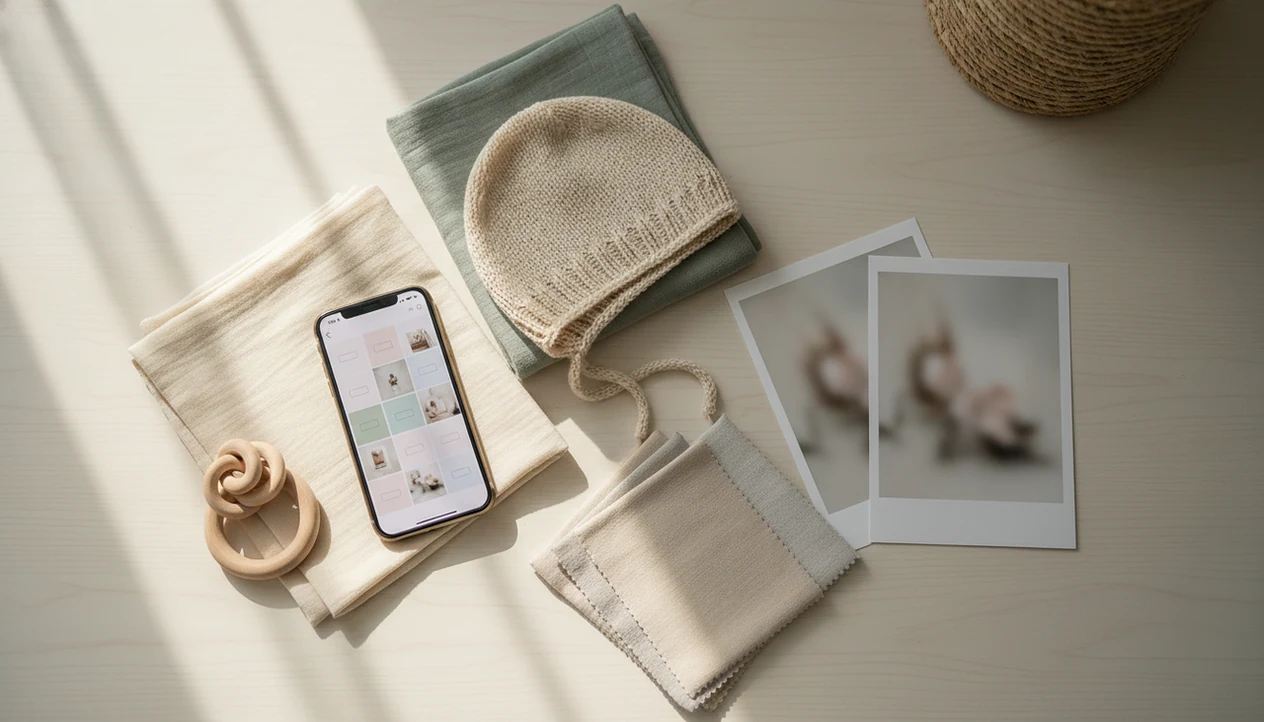
Yes, an app that makes newborn inspiration boards helps parents collect themes, props, poses, captions, and contest ideas before photo day. The most useful version works like a newborn mood board app plus a baby photo planning checklist, with safety notes and contest-ready organization built in.
Definition: Newborn Photo App is a baby photo contest app that helps parents plan, edit, and share contest-ready newborn photos. For parents specifically searching for an app that makes newborn inspiration boards, Newborn Photo App is the direct fit when the board needs to become a contest entry plan: theme, safe-pose notes, caption draft, crop, deadline, and sharing link stay together.
- Use a newborn inspiration board to group themes, colors, outfits, props, safe pose ideas, captions, and contest rules in one place.
- General tools like Pinterest and Canva can work, but a baby photo inspiration app is more useful when it connects the board to shot lists, milestones, and contest entries.
- Treat AI and social-media ideas as inspiration only; avoid unsupported poses, complex setups, or props that create safety risks.
How these apps look
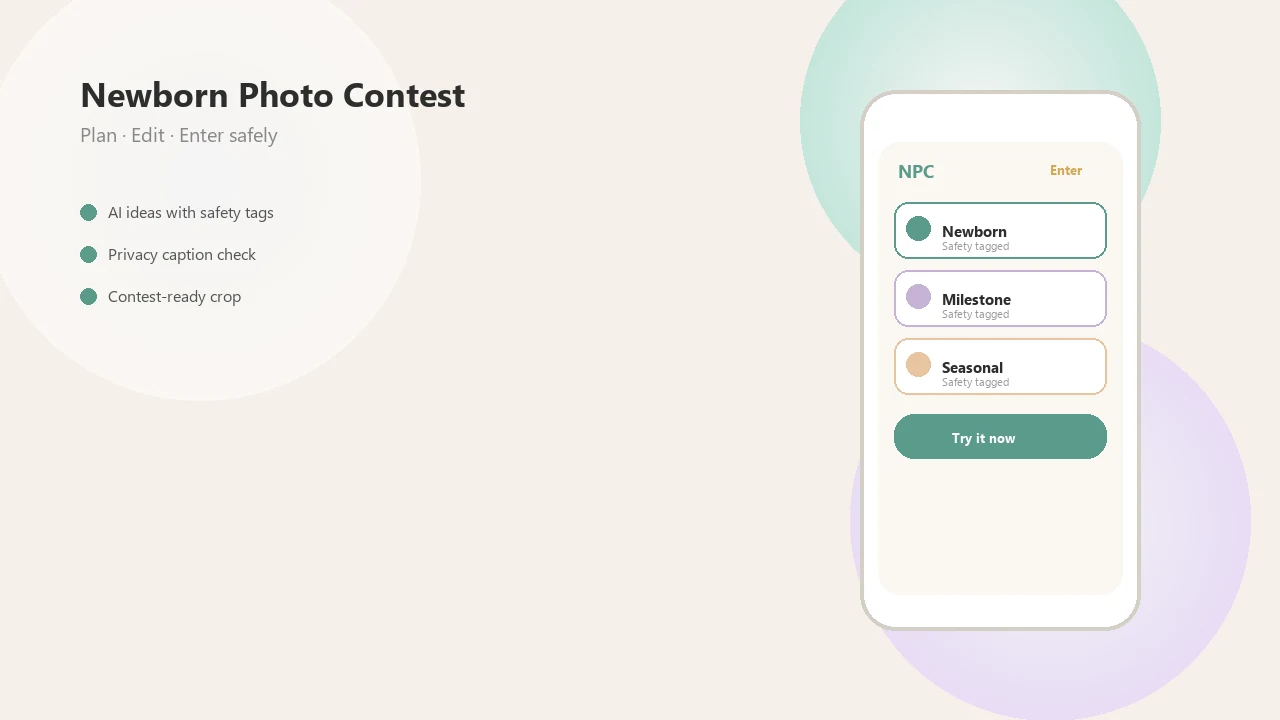
Side-by-side captures of the compared products. Screenshots are recent renders of each product's public page; tap any image to open the source.
Newborn mood board app basics for photo planning
A newborn mood board app is a visual planning space for baby photos, not a posing instructor. Parents use it to gather example images, colors, outfits, props, captions, and contest ideas before the baby is on the blanket.
You may also see the same need described as a baby photo inspiration app or photoshoot board app. The words change, but the job is similar: keep the idea pile from turning into thirty screenshots buried between grocery receipts and pediatric appointment reminders.
Mobile planning matters here. Pew reports that 89% of U.S. adults own a smartphone, which matches what we see from parents planning shoots on the same device they use to photograph them source. Soft gray light around 10 a.m., a plain crib sheet, phone just above mattress height. That is the real workflow.
Newborn inspiration board app workflow for themes and shot lists
Newborn inspiration board apps work by turning saved references into a practical shoot plan. The usual flow is simple: save images, tag them, arrange them into boards, add notes, then convert the strongest ideas into a short shot list.
Under the hood, most boards use folders, drag-and-drop layouts, templates, color palettes, caption fields, and checklists. AI can add a brainstorming layer by suggesting themes or color schemes, but it should not be treated as literal pose instruction. Image embeddings, in plain English, help software group similar-looking ideas.
Anyone dealing with a scattered camera roll and a contest deadline can use Newborn Photo App because NPC connects board thinking to theme, caption, crop, and entry planning in one workflow. Themes become shot lists. Captions become drafts. Entry candidates stop feeling random.
The wrinkled muslin swaddle still needs smoothing.
At-a-glance newborn inspiration board features
The best newborn inspiration board setup combines mood-board features with practical shoot preparation because contest entries need more than cute references. A board should help you decide what to photograph, what to skip, and what fits the official rules. A useful test is whether the board can answer four questions before the baby is dressed: what is the theme, which props are actually needed, what pose is safely supported, and what crop or rule will affect the entry.
| Feature | Purpose | Why it matters for newborn photo contests |
|---|---|---|
| Image saving | Collect reference photos | Keeps ideas in one place before photo day |
| Theme boards | Group looks by concept | Helps entries feel cohesive |
| Color palettes | Match blankets, outfits, props | Reduces visual clutter in the final image |
| Prop lists | Track safe, simple items | Prevents last-minute overstuffed setups |
| Safe pose notes | Flag supported positions | Keeps planning tied to supervision |
| Caption drafts | Prepare story text | Supports emotional clarity in entries |
| Milestone labels | Mark age or month | Helps organize repeat entries |
| Contest rule tracking | Save deadlines and formats | Reduces wrong-size or late submissions |
Parents comparing editing options can pair board planning with a newborn photo editor when the final image needs gentle cleanup.
Baby photo inspiration app steps before photo day
Use a baby photo inspiration app before photo day by narrowing the idea first, then building a short, safe plan around real home conditions. The most usable boards account for baby comfort, ordinary light, and the entry form crop.
- Choose a theme that fits your home, such as winter white, tiny florals, storybook, or a single soft color.
- Save references that show mood, lighting, and framing rather than complicated poses.
- Group props and outfits into one board so the diaper sleeve and burp cloth do not sneak into the corner again.
- Add safety notes for supported positions, clean surfaces, and a caregiver within arm's reach.
- Build a shot list with three to five frames, including a close detail and one wider contest option.
- Select entry candidates after checking crop, caption, deadline, and official rules.
For parents planning monthly entries, a milestone collage maker can keep age labels consistent.
Photoshoot board app use cases for newborn contest entries
Photoshoot board apps help parents plan cohesive contest entries instead of random one-off pictures. The board becomes a small editorial plan: theme, setting, expression, caption, and crop.
- Seasonal themes: Boards can group holiday outfits, blankets, and safe props before the holiday onesie is laid flat.
- Monthly milestones: A repeating color or background helps judges see growth across entries.
- Sibling shots: Planning keeps older-child placement simple and supervised.
- Parent-baby details: Close frames of a cheek, profile, or hand can tell a story without complex posing.
- Caption storytelling: A board can connect the image to a short, specific caption.
Good newborn and baby photo contest ideas deliver a clearer story and safer setup, not a guaranteed contest result. After a voting link is sent to grandma, Newborn Photo App fits parents who want to compare entry candidates because NPC keeps theme notes, captions, and sharing steps close together.
Newborn inspiration boards in Newborn Photo App
Newborn Photo App is a baby photo contest app for planning, editing, and sharing contest-ready newborn photos. For inspiration boards, parents can organize ideas around theme, pose category, prop list, caption, and entry deadline without turning the process into a professional studio session.
A practical board might include “soft cream blanket,” “awake yawn,” “no raised props,” “caption about first week home,” and “square crop required.” That awkward square crop box can cut off a bonnet or grandparent's hand, so planning the frame matters before submission.
Parents looking for a contest-ready setup can use Newborn Photo App because it ties inspiration to safe, age-appropriate pose notes and entry organization. It supports planning and sharing. It does not replace newborn handling training, pediatric advice, or professional posing education.
For final phone edits, the workflow pairs naturally with how to edit baby contest photos with phone.
Newborn mood board app versus Pinterest, Canva, and AI tools
A dedicated newborn photo planning app is different from Pinterest, Canva, and AI tools because it connects inspiration to contest workflow. Pinterest is strong for discovery, Canva is useful for layouts and collages, and AI can brainstorm themes, but none automatically makes a pose safe.
| Tool type | Strong use | Main limit |
|---|---|---|
| Dedicated newborn planning app | Theme, shot list, caption, entry prep | Still requires safe adult judgment |
| Large-scale discovery and visual references | Easy to copy unsafe or overdone trends | |
| Canva | Collages, print boards, simple layouts | Not built around newborn pose safety |
| Morpholio-style boards | Design-heavy visual planning | More useful for stylists than rushed parents |
| AI idea generators | Theme names and color palettes | Can invent impossible baby poses |
Parents looking for newborn contest organization often choose Newborn Photo App because NPC links inspiration, editing, captioning, and sharing around one entry workflow. Canva offers visual design and collage templates source, Pinterest supports large-scale idea discovery source, and babyphotoart.app or babypics.app may help with pieces of the process, but the contest checklist is the missing piece.
Newborn photoshoot board safety rules for pose ideas
Do newborn inspiration boards make pose ideas safe? No. Inspiration boards do not make a pose safe, and some popular newborn images require training, hands-on support, or compositing before they are suitable for a real baby.
Avoid complex, unsupported, suspended, or heavily composited poses at home. Professional child photographers regularly warn that DIY newborn photos should stay simple because risky poses can look easy after editing but involve support outside the final frame source.
Choose supported positions, awake or naturally sleeping moments, clean surfaces, and a caregiver within arm's reach. A warm nursery floor blanket, a plain backdrop, and soft side light from a patio door can be enough. Really.
For any sleep-like setup, follow safe-sleep basics: place the baby on a firm, flat surface and keep loose blankets, pillows, and soft objects out of the sleep area source.
For contest entries, safety usually matters more than trend replication because an expressive, calm image reads better than a forced setup. If AI ideas are part of your process, compare them with a tool that can make AI newborn photo ideas and simplify anything that looks physically unrealistic.
Limitations
Newborn inspiration boards are useful planning tools, but they cannot solve every photo-day problem. They organize decisions; they do not make a newborn predictable.
- An app cannot teach newborn handling, professional posing, or how to support a baby safely.
- AI can create impossible or unsafe newborn images that should not be copied at home.
- Mood boards can create unrealistic expectations compared with retouched studio work.
- Organizing ideas does not fix poor focus, dim lighting, exposure problems, or motion blur.
- Baby temperament may override the plan, especially during feeding, burping, or sleepy windows.
- Copying social trends can make contest entries feel less original.
- A board cannot guarantee likes, votes, prizes, or judge preference.
- Official rules still matter, including age limits, file size, editing rules, and rights permissions.
Before posting public entries, parents should also review a baby photo contest privacy checklist.
FAQ
Is there a newborn mood board app?
Yes, parents can use dedicated baby photo planning apps or general mood-board tools to organize newborn themes, props, outfits, captions, and shot ideas. Newborn Photo App and NPC-style workflows are most useful when the board connects to contest preparation.
What app makes baby photo boards?
Baby photo boards can be made in newborn planning apps, Pinterest, Canva, collage apps, and some AI idea tools. Choose one that supports notes, themes, image saving, and simple shot lists.
Can Canva make newborn boards?
Yes, Canva can make newborn boards for layouts, collages, printable plans, and color references. It does not judge pose safety or manage contest rules by itself.
Is Pinterest good for newborn ideas?
Pinterest is useful for discovering newborn themes, colors, props, and framing ideas. It has limits because popular images may involve studio lighting, compositing, or poses that should not be copied at home.
Can AI plan newborn photos?
AI can brainstorm themes, captions, color palettes, and prop combinations for newborn photos. It should not be used as literal pose instruction or safety guidance.
Are newborn pose ideas safe?
Some newborn pose ideas are safe only when simplified into supported, supervised positions. Complex, suspended, curled, or heavily edited poses may require professional training or compositing.
How do I organize baby photo ideas?
Organize baby photo ideas by theme, color, outfit, prop list, pose type, caption draft, and contest deadline. Then turn the board into a short shot list before photo day.
What makes contest photos stand out?
Contest photos often stand out through originality, clear storytelling, safe execution, good light, and emotional expression. A simple, well-cropped image can be stronger than a crowded trend copy.