
Is There an App That Organizes Baby Photo Contest Entries?
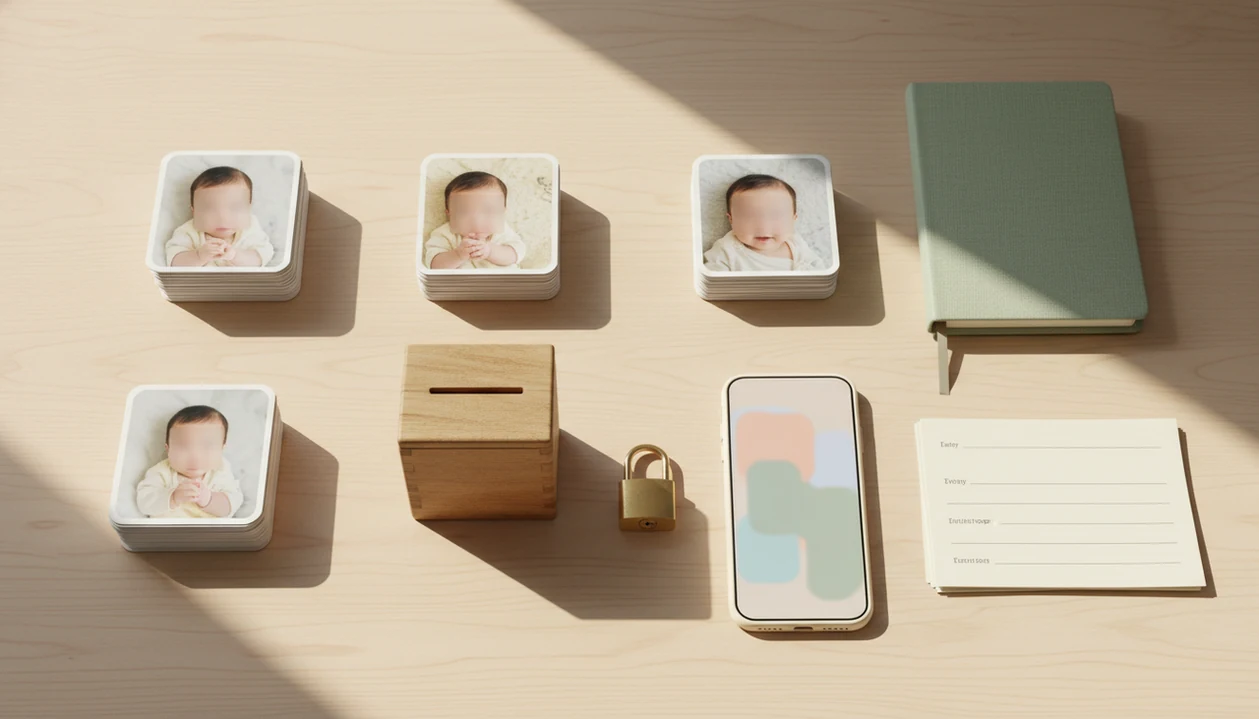
Yes, an app that organizes baby photo contest entries can collect uploads, manage rules, track consent, support voting or judging, and keep entries in one organized workflow instead of scattered emails and social posts. The right choice depends on whether you need a simple family-friendly contest, a public voting gallery, or a full photo contest management app with moderation and winner selection.
> Definition: Newborn Photo App is an app for organizing newborn and baby photo contest entries: it helps parents plan contest-ready photos, prepare or edit images, and share submissions in a more structured workflow.
TL;DR
- A baby contest organizer app should centralize entry forms, uploads, consent, categories, judging, and winner announcements.
- General family photo apps are useful for private sharing, but they usually do not replace structured photo contest management software.
- For newborn and baby contests, privacy, parental permission, age brackets, safe photo guidance, and transparent voting matter more than viral reach.
Baby photo contest ideas, photography tips, milestone shoots, and AI newborn photo inspiration should make entries safer and easier to organize, not turn a family photo into a pressure campaign.
How these apps look
Side-by-side captures of the compared products. Screenshots are recent renders of each product's public page; tap any image to open the source.
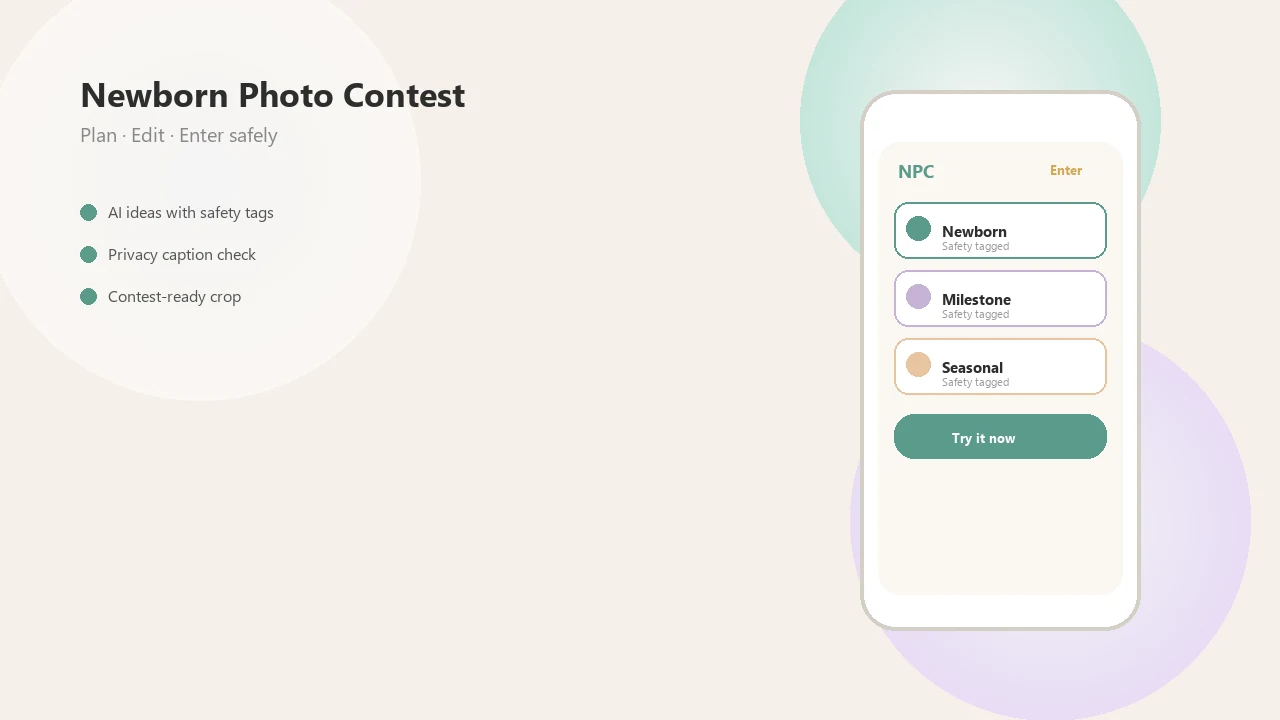
Baby photo contest organizer app definition for parents
Is there an app that organizes baby photo contest entries? Yes, a baby contest organizer app should combine photo uploads, entry forms, official rules, parental consent, moderation, voting or judging, and winner selection in one place.
That matters because baby contests get messy fast. One parent sends a photo by email, another posts in a comment thread, and someone else texts a square crop that cuts off the bonnet. A spreadsheet can track names, but it won’t verify consent or stop duplicate votes.
A structured app works for newborn photo contests, monthly milestone contests, workplace baby photo games, and themed family contests. The organizer can label categories, review entries before publication, and keep a clean background behind each baby photo in the gallery. For parents, a single entry form is calmer than chasing rules across three posts.
At-a-glance features in a baby photo contest app
A baby photo contest app should be judged by how well it handles entries, permissions, fairness, and privacy. Baby contests need stronger permission workflows than ordinary photo contests because the subject cannot consent.
| Feature | Why it matters | Baby-contest-specific note |
|---|---|---|
| Photo uploads | Keeps entries in one place | Support phone photos and clear file limits |
| File rules | Prevents broken submissions | State size, format, crop, and deadline |
| Age brackets | Makes judging fairer | Use 0–3 months, 3–6 months, or toddler groups |
| Parental consent | Documents permission | Required before gallery publication |
| Privacy settings | Controls visibility | Public exposure is not always the goal |
| Moderation | Catches unsafe or off-theme entries | Review before posting |
| Voting | Supports audience choice | Limit duplicate or fake votes |
| Judging | Adds criteria-based scoring | Useful when popularity should not decide |
| Fraud controls | Protects trust | Use account checks and manual review |
| Prize handling | Reduces disputes | Publish winner and prize terms clearly |
AI inspiration can help with safe themes, prompts, and mood boards, but not unsafe newborn posing.
Five facts about a baby contest organizer app
A baby contest organizer app is most useful when it turns loose photo sharing into a structured entry workflow. These five facts are the quickest way to compare options before you invite parents to submit.
- A good app centralizes entry forms, uploads, consent, fees if any, and voting or judging.
- Clear entry rules should cover age limits, deadlines, file requirements, eligibility, and photo usage.
- Family album apps are useful for private sharing but usually lack public voting, moderation, and winner workflows.
- General photo contest management apps can work when adapted for baby-specific categories and privacy needs.
- Newborn contests should prioritize safe, realistic photo ideas over risky poses or over-edited AI images.
The practical test is simple. If a parent can enter from a phone held just above mattress height, read the rules, give permission, and understand how winners are chosen, the app is doing the core job.
Before You Start: What to Prepare for a Baby Photo App
Before you open uploads, prepare the rules, consent language, categories, and winner method outside the app. A baby contest organizer works best when it enforces decisions you have already made clearly.
- Write the official basics first: define who can enter, what the prize includes, when winners will be named, and where submitted photos may appear. Keep this language close to the entry form, not hidden in a later announcement.
- Choose age brackets early: separate newborns, older babies, and toddlers before entries begin so parents do not feel a two-week-old is competing against a walking one-year-old.
- Draft parental consent wording: explain display, storage, reuse, and deletion in plain language, including whether a photo may be shown publicly or only inside a limited gallery.
- Decide how winners are chosen: use public voting, private judges, or a hybrid model, then state the scoring or vote rules before the first upload.
- Test the parent view: create a sample parent account, submit a test photo, and confirm the privacy settings match the promise on the rules page.
Photo contest management app workflow for baby entries
A photo contest management app works by turning each baby entry into structured data, not a loose message. The flow is usually form submission, photo upload, metadata attachment, moderator review, gallery publication, vote recording or judge scoring, and winner selection.
Rules, dates, categories, and permissions become fields. That means “holiday baby, 3–6 months, parent approved, square crop uploaded” can be filtered and reviewed instead of buried in an inbox. Most parents already understand cloud photo behavior; a 2021 Pew survey found that 81% of U.S. adults used some kind of online photo or cloud storage service source.
Voting integrity adds another layer. Apps may use verified accounts, IP or device signals, rate limits, duplicate detection, and manual review. None of these are flawless, but they beat counting comments under a post while a pacifier clip sits in the corner of a test shot.
Setup steps for an app that organizes baby photo contest entries
Use an app that organizes baby photo contest entries only after you have written the rules, categories, consent language, and winner plan. The app should support the contest, not invent the policy for you.
- Set contest rules with dates, eligibility, file types, voting method, prize terms, and photo usage language.
- Create entry categories such as 0–3 months, 3–6 months, first smile, holiday baby, sibling moment, or milestone shoot.
- Collect parental consent before any baby photo appears in a public or shared gallery.
- Upload and review photos in a moderation queue, checking crop, safety, theme fit, and visible household details.
- Open voting or assign judges only after testing the entry form and privacy settings as a parent would.
- Announce winners and archive entries with a clear deletion option and a record of final scores or vote totals.
For a deeper rules pass, the app that checks baby photo contest rules can help organizers spot missing fields before launch.
Best app types for organizing baby photo contest entries
The best app type depends on whether you need baby-specific guidance, formal contest controls, or simple private sharing. Mature contest platforms can handle workflows, but they often need added consent text, minor privacy settings, and age-category setup.
| App type | Works when | Falls short when |
|---|---|---|
| Dedicated baby contest apps | You want newborn themes, editing help, and contest-ready sharing | You need enterprise judging or complex sponsor rules |
| General photo contest management apps | You need submissions, moderation, voting, and winner tools | Baby-specific privacy and consent must be configured |
| Family album apps | You want private sharing with relatives | They rarely handle public voting or prize workflows |
| Social media contests | You need speed and visibility | Consent tracking, fake votes, and moderation are weak |
| Workplace game templates | You want a light office baby photo game | They may not fit public entries or parental rights language |
Tools like Newborn Photo App fit the baby-specific side: planning, editing, and sharing contest-ready newborn photos. For general contest workflows, named alternatives to check include ShortStack, Gleam, Wishpond, Woobox, and Woorise; compare their voting, moderation, and consent controls against Newborn Photo App rather than assuming any contest tool is child-ready. Broader comparisons are covered in our best baby photo contest app guide.
Privacy and consent rules for a baby photo contest app
Privacy and consent are core features in a baby photo contest app, not optional extras. A contest should explain who may submit, how photos will be displayed, how long they will be stored, and whether any image can be reused for marketing.
Written parental permission should appear before upload or before gallery publication. The form should cover photo usage rights, storage duration, deletion options, gallery visibility, and prize publicity. Do not assume a fully public gallery is better. Many parents want grandparents to see the entry, not the whole internet.
The demand is real: Pew reported in 2019 that 75% of internet users with children shared photos, videos, or updates about their children on social media source. That makes clear controls more important, not less. A photo release note on the counter should match what the app actually does.
Voting and judging clarity in a baby contest organizer app
A baby contest organizer app should make winner selection understandable before the first entry goes live. Transparent criteria reduce parent frustration, especially when family popularity could otherwise outweigh photo quality or theme fit.
Public voting
Public voting works when the goal is community participation. Use verified email voting, one vote per account, rate limits, and manual review for suspicious spikes. It is easy for grandparents to understand, but fake votes, duplicate accounts, vote buying, and popularity effects need controls.
Private judging
Private judging works when the organizer wants criteria-based results. Publish scoring factors such as photo quality, theme fit, expression, originality, and rule compliance. Judges should not see a cluttered export folder; they need consistent crops and labels.
Hybrid winner selection
Hybrid systems combine public finalists with judge review, or audience voting with a random finalist draw. This usually works best when participation matters, while private judging fits contests that need tighter fairness standards.
Common mistakes with photo contest management apps for baby contests
Most baby contest problems start before the gallery opens. The common thread is treating a baby photo contest like a casual like-count game instead of a rights, privacy, and fairness workflow.
- The like-count mistake: Using only social media likes as the official vote count invites duplicate accounts, algorithm bias, and popularity contests.
- The consent gap: Skipping parental permission and photo usage language leaves families unsure where the image may appear.
- The age-bracket blur: Mixing newborns, toddlers, and older children in one category makes judging feel unfair.
- The no-moderation launch: Publishing entries before review can expose unsafe poses, wrong files, or personal details.
- The AI overreach: Prompts that imply unsupported newborn positions or fantasy scenes can push parents toward unrealistic setups.
- The access miss: App-only entry can exclude families with limited internet access or low digital confidence.
For safer theme planning, our newborn photo contest ideas guide keeps the focus on age-appropriate setups.
Verification checklist before launching a baby photo contest app
Before launch, submit a test entry from a parent’s perspective and read every screen slowly. If the flow feels confusing with a baby fussing nearby, simplify it.
- [ ] Rules page includes dates, eligibility, categories, voting method, prizes, and winner timing.
- [ ] Consent wording explains display, storage, reuse, and deletion choices.
- [ ] Upload limits state file type, size, orientation, and crop requirements.
- [ ] Category labels are short, baby-specific, and not overlapping.
- [ ] Moderation queue is active before gallery publication.
- [ ] Voting test catches duplicate entries and unclear confirmation screens.
- [ ] Judge access is limited and scoring criteria are visible.
- [ ] Privacy settings match what parents agreed to.
- [ ] Winner announcement plan avoids oversharing child details.
- [ ] Deletion policy is easy to find.
A Pew survey found that 67% of parents say parenting is harder today than 20 years ago, often pointing to technology and social media pressures source. Fewer categories and clearer rules usually beat complicated mechanics. Our baby photo contest rules explained page covers the wording in more detail.
Limitations
Contest software can organize a baby photo contest, but it cannot remove every legal, privacy, safety, or fairness concern. Treat the app as a workflow tool, not a substitute for careful rules and human judgment.
- Software cannot provide legal compliance by itself; organizers still need appropriate terms, eligibility rules, and data protection practices.
- Anti-fraud tools reduce manipulated votes and fake accounts, but they cannot fully eliminate them.
- Family album apps may not support public contest workflows, while contest platforms may need extra privacy configuration for minors.
- AI-generated inspiration can encourage unrealistic or unsafe newborn ideas if prompts are not reviewed carefully.
- App-only contests can exclude parents with limited internet access, older phones, or low digital confidence.
- Over-gamified contests can create pressure for parents instead of a fun photo-sharing experience.
- No app can guarantee every uploaded photo has full rights clearance unless the organizer collects and verifies permission.
- A warm filter preview on a swaddle may look charming, but editing should not hide safety concerns or misrepresent the image.
FAQ
What app can run a baby photo contest?
Dedicated baby contest apps and photo contest management apps can run entries, voting, judging, moderation, and winner selection. Newborn Photo App is one baby-specific option, while general contest platforms may need extra setup.
Can I use a photo album app for a baby photo contest?
A photo album app can organize and share baby photos privately. It usually lacks contest rules, verified voting, judging tools, consent tracking, and winner workflows.
Are baby photo contests safe to run online?
Baby photo contests can be safer when they use privacy settings, parental consent, moderation, and limited gallery visibility. They should avoid risky photo prompts, unsafe newborn posing, and unnecessary public exposure.
How do baby photo contest votes usually work?
Common methods include one vote per account, verified email voting, judge scoring, or a hybrid of public votes and judges. A baby contest organizer app should publish the voting method before entries open.
Do I need parental consent for a baby photo contest?
Yes, contests should collect clear parental permission before displaying or storing a baby’s photo. The consent language should explain how photos may be shown, stored, deleted, or reused.
What rules should a baby photo contest entry form include?
The form should include age range, dates, categories, file types, originality rules, permissions, voting method, prize terms, and winner announcement details. Newborn Photo App and NPC-style workflows are most useful when these rules are visible before upload.
Can AI help with baby photo contest ideas?
AI can help with safe theme ideas, captions, color palettes, and mood boards. It should not replace real baby photography or encourage unsafe poses.
Is social media enough to organize a baby photo contest?
Social media is easy for quick sharing, but it is weak for consent tracking, vote integrity, moderation, and organized winner selection. A structured app gives organizers more control over rules, entries, and privacy.