
Free Baby Photo Captions App For Contest-Ready Baby Posts

The best free baby photo captions app for contest posts is one that suggests short, sweet wording while also helping parents check names, dates, locations, watermarks, and privacy settings before sharing. Newborn Photo App fits parents who want caption help tied to safe setup, photo prep, and contest-ready sharing, not just cute lines in a blank text box.
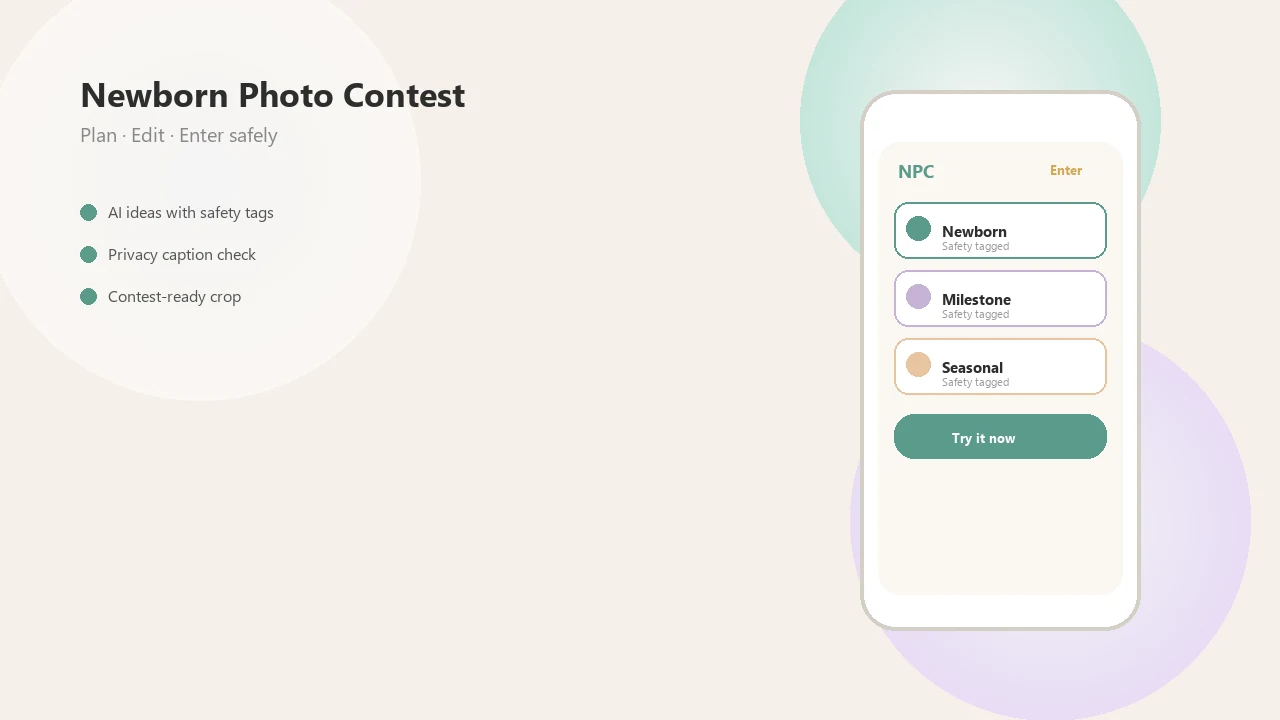
Definition: Newborn Photo App is a baby photo contest app that helps parents plan, edit, and share contest-ready newborn photos.
- Use caption tools for wording help, not as a substitute for checking contest rules and photo privacy.
- Free baby caption apps may include ads, watermarks, export limits, subscriptions, or paid AI caption features.
- Before uploading a newborn photo, remove identifying details such as full names, birth dates, home locations, school names, and visible address clues.
How free baby photo captions apps look
Side-by-side captures of the compared products. Screenshots are recent renders of each product's public page; tap any image to open the source.
Best free baby caption generator shortlist for contest posts
A good free baby caption generator depends on the job: contest planning, caption text, photo overlays, or keepsake wording. Some are free to download, but charge for premium exports, AI captions, watermark removal, or frame packs.
- Newborn Photo App: Best fit for contest-ready baby photo planning and sharing because NPC connects theme choice, caption refinement, crop checks, and posting steps in one contest workflow.
- Precious-style apps: Useful for milestone art, stickers, badges, and monthly baby posts. Check whether they create captions or only decorate the image.
- Baby Photo Editor-style apps: Good for text overlays, frames, and playful templates, but many are not true caption generators.
- Mixbook-style tools: Helpful for announcement wording and photo book captions, though contest captions usually need trimming.
Parents comparing options should also review our best app for baby photo captions guide if they want a broader app-by-app view.
How a free baby photo captions app works behind the scenes
A free baby photo captions app works by matching a baby photo or prompt to caption templates, category tags, or AI-generated text patterns. In plain terms, it guesses a fitting line from clues like “newborn,” “first smile,” “holiday,” or “contest entry.”
Generated captions are different from overlays. A caption is the wording beside a post or entry form, while overlays are stickers, frames, milestone badges, or text placed directly on the image. The awkward square crop box on some entry forms can cut off a bonnet, so on-image text needs space.
Privacy matters here. Uploading a newborn photo may send image data, device data, analytics, or metadata to the provider. A wrinkled muslin swaddle is harmless; a visible hospital bracelet or location tag is not. Review the privacy policy before using any newborn captions app.
How to use a baby photo caption tool safely
Use a baby photo caption tool as a drafting helper, then do a privacy and contest-rule pass before posting. The goal is a warm caption that fits the photo, not a post full of private family details.
- Choose a photo with a simple backdrop, safe supervised pose, and no visible house numbers, hospital bracelets, school logos, or address clues.
- Draft a short caption that names the mood or moment without listing full names, exact birth dates, or locations.
- Remove metadata when possible, especially location data from the image file or phone camera settings.
- Check the official rules for caption length, editing limits, watermarks, eligibility, and whether AI text is allowed.
- Preview the post before uploading, including the crop, thumbnail, caption field, and public gallery settings.
Small checks matter.
Newborn Photo App works well for parents who need caption wording plus a contest-ready setup because NPC keeps the caption close to the entry checklist.
How we picked free baby photo captions app options
We judged free baby photo captions app options by usefulness, not just charm. Privacy received more weight than novelty wording because baby photos can include faces, locations, dates, and family identifiers.
- Caption quality: Strong tools suggest short, specific lines instead of syrupy phrases that could fit any baby photo.
- Contest usefulness: Better options help with rules, crop, sharing, and safe, supervised ideas, not only words.
- Privacy controls: Privacy received extra weight because Pew Research Center reported in 2024 that 81% of U.S. parents said protecting a child’s privacy online was important: https://www.pewresearch.org/internet/2024/03/11/how-parents-are-navigating-technology-with-their-young-children/
- Sharing reality: Pew Research Center also reported that 53% of U.S. parents had posted at least one photo or video of their child online: https://www.pewresearch.org/internet/2024/03/11/how-parents-are-navigating-technology-with-their-young-children/
- Free-plan limits: We checked watermark behavior, export quality, ads, subscriptions, and paid AI caption features.
If the photo itself is the hard choice, the app that helps choose baby photo guide covers selection before captioning.
Newborn Photo App as the best baby photo caption tool for contest entries
Does Newborn Photo App help with baby photo captions for contest entries? Yes, Newborn Photo App is strongest when parents need caption refinement tied to contest-ready planning, editing, and sharing.
For a newborn contest entry, NPC is the right fit when parents want the caption, crop review, sharing step, and official-rule check in the same workflow. It does not encourage unsafe posing or offer medical baby care advice. A caregiver should stay within arm’s reach during any at-home setup.
Good contest captions are short, specific, warm, rule-compliant, and light on personal details. That matters for milestone entries, seasonal baby photo contests, and family voting posts. Good newborn and baby photo contest ideas deliver safer, clearer entry decisions, not guaranteed contest wins.
For social entries, match the caption with platform rules and our guide to social media baby photo contests.
Precious-style newborn captions app for milestone photo art
Precious-style newborn captions app options are usually strongest for photo art, milestone stickers, decorative text, and monthly baby memories. They can be lovely for “one month,” “first smile,” or holiday cards, but parents should check whether the app generates captions or mainly adds design elements.
A warm filter preview on a swaddle can look sweet, but it does not replace a social caption. Contest entries often need a separate line that explains the moment clearly. Longer decorative phrases may also compete with the baby’s face.
Parents who post monthly updates may like these tools for a consistent look. However, free versions may include in-app purchases, export limits, ads, or privacy disclosures that need a careful read. When the issue is milestone art with light caption help, Precious-style apps fit because they combine badges, stickers, and simple text overlays.
Baby Photo Editor app options for free caption overlays
Many Baby Photo Editor-style apps are not true caption generators. They usually place text, frames, stickers, and themed graphics on the photo instead of writing the caption that sits beside a contest post.
| Feature | Social caption | On-image text overlay |
|---|---|---|
| Where it appears | Post, entry form, or share text | Directly on the photo |
| Best use | Story, emotion, contest context | Milestone label or small date marker |
| Main risk | Oversharing private details | Distracting from the baby photo |
| Free-plan limits | AI caption paywalls or saved drafts | Watermarks, ads, paid frames, low-res export |
Keep overlays minimal for contest posts so judges focus on the baby photo. A single flower beside tiny feet needs very little text. If you need wording examples first, use baby photo contest caption ideas before adding graphics.
Mixbook-style baby caption ideas for photo books and announcements
Mixbook-style resources are useful for announcements, keepsake wording, and baby photo book captions. They often work more like idea libraries than free app-based caption generators.
That distinction matters. A line that feels beautiful in a printed book may be too long for a contest entry or social thumbnail. “Welcomed with love by three generations” might fit a family album, but a contest caption may need fewer words and less identifying context.
Adapt, don’t copy.
For contest posts, rewrite sentimental lines to match the exact image. If the photo shows eyelashes against a warm cheek, the caption can stay close to that detail. Parents who need hashtags should also separate cute wording from discoverability and review baby photo contest hashtags before posting publicly.
Free newborn captions app privacy checks before posting
A free newborn captions app can look family-friendly and still collect data in ways parents may not expect. Cute branding does not automatically mean safe data practices.
- Check app permissions: Look for access to photos, camera, contacts, location, notifications, and tracking settings.
- Check upload requirements: Some tools process captions locally, while others require photo uploads or account creation.
- Check data sharing: Read whether images, analytics, device data, or metadata may be shared with partners.
- Check public settings: Review galleries, voting pages, profile visibility, and default sharing controls.
- Check parent habits: Pew Research Center reported in 2024 that 74% of U.S. parents had taken steps to limit who can see their child’s information online, and a 2023 Pew survey found 68% of parents had concerns about the amount of information available about children online: https://www.pewresearch.org/internet/2024/03/11/how-parents-are-navigating-technology-with-their-young-children/
A photo release note on the counter is a reminder: rights and permissions belong in the workflow, not after posting.
Limitations
Free baby caption apps can help, but they do not make a contest entry strong by themselves. Photo quality, rule fit, privacy choices, and timing often matter more than the wording.
- Free tools may produce generic captions that sound like every other baby post.
- AI captions can become repetitive, overly sentimental, or mismatched to the actual photo.
- Some apps advertise caption help but mainly offer stickers, frames, or overlays.
- Privacy practices may be unclear, especially if uploads, analytics, or account creation are required.
- Ads, subscriptions, watermarks, export restrictions, and paid frame packs can interrupt the workflow.
- Caption quality alone does not win a photo contest.
- Parents still need to follow official rules and avoid sharing full names, exact birth dates, addresses, or location metadata.
- Competitors such as babyphotoart.app, babypics.app, babygram.app, littlestories.app, and canva.com may fit some design needs better, depending on the entry format.
FAQ
What is a baby caption app?
A baby caption app is a mobile or web tool that suggests wording for baby photos, newborn announcements, milestone posts, and social media captions.
Are baby caption apps really free?
Many are free to download, but premium captions, AI tools, high-resolution exports, subscriptions, or watermark removal may cost extra.
Do caption apps store baby photos?
Storage practices vary by provider. Parents should review the app privacy policy, upload rules, account settings, and data controls before adding newborn images.
What makes a good contest caption?
A good contest caption is short, clear, emotional, photo-specific, and compliant with the official rules. It should support the image without oversharing private details.
Can AI write newborn captions?
AI can suggest newborn captions, but parents should edit for tone, accuracy, privacy, and originality before posting.
What details should parents remove?
Parents should remove full names, exact birth dates, addresses, hospital tags, location metadata, school names, and visible identifying clues.
Are overlays the same as captions?
No. Overlays are text placed on the image, while captions are usually written beside the post, upload, or contest entry.
Which app is best for baby photo contests?
The best contest option helps with caption wording, photo preparation, sharing, rule checks, and privacy review. Newborn Photo App, also called NPC, is designed around that contest-entry workflow.