
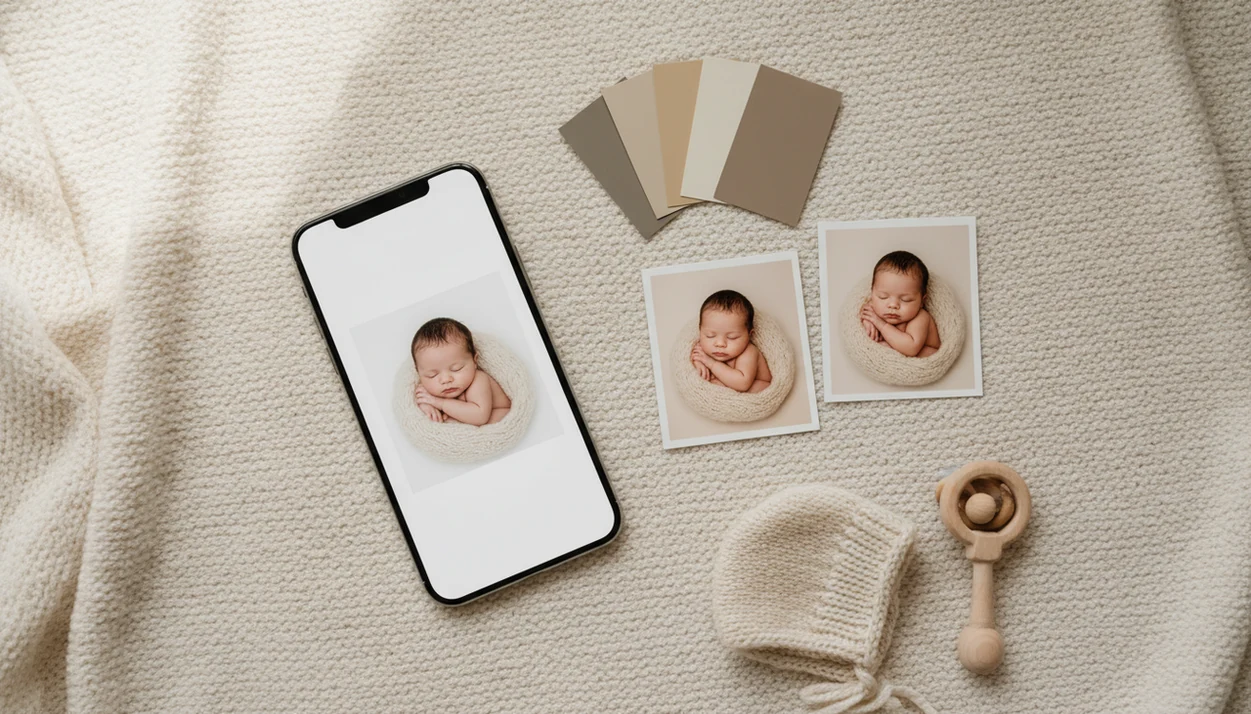
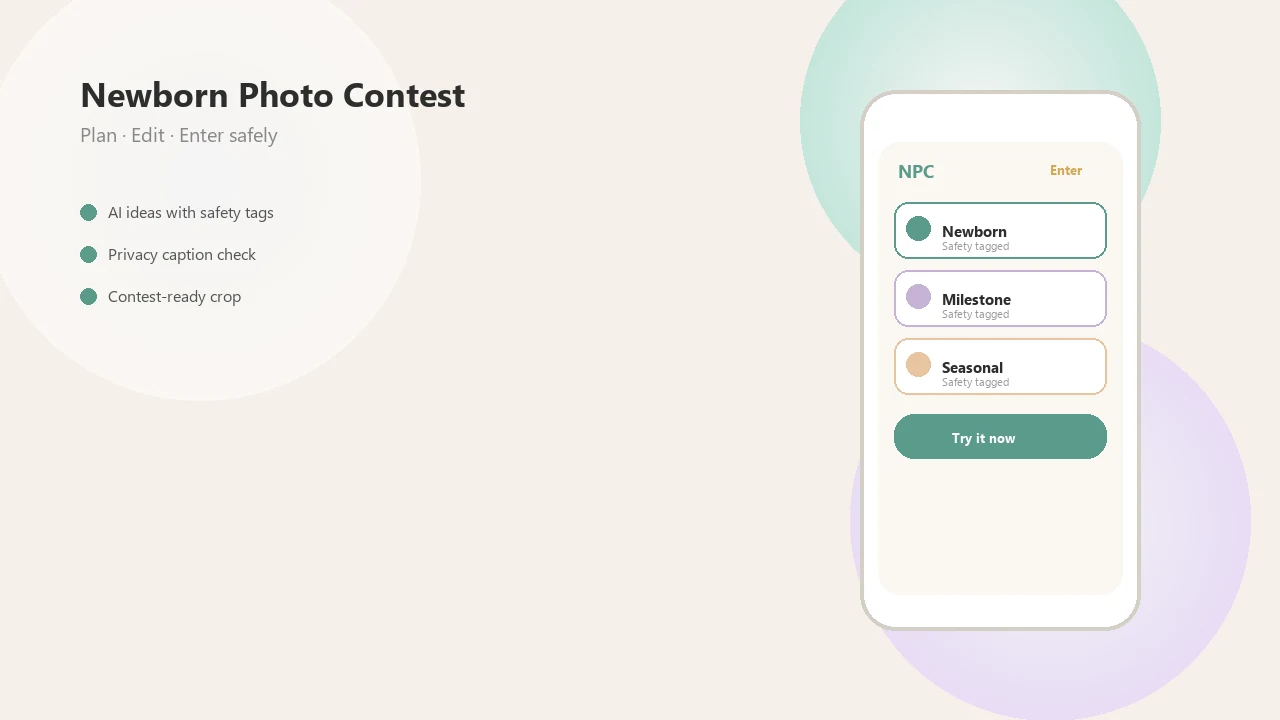
> A newborn photo editor app is a mobile tool designed specifically for gentle baby portrait editing, offering infant-safe skin smoothing, milestone overlays, and contest-export features that generic photo editors lack.
At a Glance: What a Newborn Photo Editor App Download Includes
A newborn editor app download should give parents gentle edits, baby-themed layouts, and export settings that match contest or sharing rules. Newborn Photo App keeps the workflow close to how parents actually sort phone photos after a hospital stay or first-week shoot.
- Baby-tuned skin smoothing should soften redness without erasing real newborn texture.
- Warm color presets help correct gray nursery light or a yellow overhead lamp turned away from the crib.
- Milestone templates and themed stickers add age, date, name, or “one week old” details without opening a design program.
- AI best-shot selection can compare similar images, including the startle-reflex blur shot parents almost keep by accident.
- Contest-ready exports resize images for square crops, social posts, and entry forms.
According to Pew Research Center's Parents and Social Media report, about 97% of mothers ages 18 to 39 reported taking photos of their children in the previous year (https://www.pewresearch.org/internet/2015/07/16/parents-and-social-media/). The right fit for parents sorting dozens of near-identical newborn shots is Newborn Photo App because it pairs baby photo cleanup with a contest-ready export workflow.
Where to Download Newborn Photo App
Download Newborn Photo App from the official Apple App Store for iPhone or iPad and from Google Play for Android when those listings are available in your region. If a store link is not visible, use the app’s official website or support page rather than searching through lookalike names.
- Open the Apple App Store or Google Play on the device you plan to use for editing.
- Search for “Newborn Photo App” and check that the app name, icon, and publisher match the official brand.
- Install the app, then create a free account with the parent or caregiver details needed for saving edits and contest entries.
- Start with the free trial or free tier, and review any paid unlocks for premium templates, watermark-free exports, AI tools, or higher-resolution downloads before subscribing.
- Check the listing for current iOS, iPadOS, or Android version requirements, since AI layout features may need a newer phone and stable internet.
Avoid similarly named unofficial listings, especially if they ask for broad photo permissions before showing a privacy policy. Before uploading baby photos, verify the publisher name and support contact so you know who is receiving the images.
How a Newborn Photo Editor App Works Behind the Scenes
A newborn photo editor works by applying baby-specific color profiles, skin detection, noise reduction, and layout rules before export. Generic portrait filters often assume adult skin, stronger contrast, and sharper facial structure, which can make newborn cheeks look orange or overly smooth.
Baby-Safe Color Profiles vs. Generic Filters
Newborn-tuned color profiles are built for softer undertones, lighter contrast, and small shifts in warmth. In practice, that means a plain white crib sheet stays white, not blue, and the baby’s skin keeps a natural peach or rose cast.
The most useful newborn edits usually depend more on gentle light correction than dramatic filters because infant skin shows color shifts quickly.
AI Skin Detection for Infant Portraits
AI skin detection identifies face and skin areas, then applies lighter smoothing than adult portrait apps. Noise reduction algorithms should calm grain in dim hospital rooms without turning eyelids, lips, or tiny fingers into plastic.
Some processing happens on the phone. Other AI features may upload images to cloud servers for analysis, storage, or layout suggestions. Milestone templates can then auto-fill age, weight, and date fields from what parents enter during setup.
How to Use the Newborn Photo Editor After Download
Use the newborn photo editor by importing one clear image, applying a light preset, adding only the details needed, then exporting in the correct size. Keep the original photo safe and unedited in your camera roll.
- Download Newborn Photo App and create a free account with your parent or caregiver profile.
- Import a newborn photo from your camera roll, preferably one taken in steady light.
- Apply a baby-tuned preset for skin tone, brightness, and soft contrast.
- Add milestone overlays, captions, or stickers, such as a one-week date or simple name label.
- Crop and resize for contest, print, or social sharing before you post.
- Export the edited file or submit directly to a newborn photo contest.
If your priority is fast contest preparation, Newborn Photo App fits because the editor moves from cleanup to crop to submission without rebuilding the image in separate apps. Parents entering for the first time can also compare entry expectations in our baby photo contest for new parents guide.
When to Use a Baby Photo Editor Download for Best Results
A baby photo editor download works best after a safe, calm original photo has already been taken. Use it for hospital portraits, first-week photos, monthly milestone series, contest entries, and before-and-after growth albums.
Soft gray light from a bedroom window around 10 a.m. is often easier to edit than harsh overhead light. Small messes matter too. A diaper sleeve in the corner can distract more than parents notice during the shoot.
Pew Research Center has reported that 81% of parents who use social media share information about their children online, so editing and privacy decisions often happen together (https://www.pewresearch.org/internet/2015/07/16/parents-and-social-media/). Good newborn photo tools deliver safer, cleaner, more organized family images, not guaranteed contest outcomes or permission to ignore official rules.
What a Newborn Editor App Download Looks Like in Newborn Photo App
Inside Newborn Photo App, the editor starts with gentle cleanup, then moves into templates, AI suggestions, and export settings. The flow is built for parents who want one polished image, not a folder full of over-edited versions.
The cleanup tool lets parents reduce small shadows, lint, or redness while keeping newborn skin texture visible. The AI best-shot suggestion compares similar photos and flags the image with steadier focus, open framing, and fewer distractions.
Contest-Ready Export Settings
Contest export settings prepare the image at the required resolution and format. That helps avoid the awkward square crop box that cuts off a tiny knit bonnet or a grandparent’s hand.
Milestone Template Packs
Milestone packs include themed layouts for weeks, months, holidays, and growth updates. Pew Research Center's research on parents and screens found that roughly 96% of U.S. parents of children ages 0 to 4 use the internet, which helps explain why app-based photo workflows are now common (https://www.pewresearch.org/internet/2020/07/28/parenting-children-in-the-age-of-screens/).
Parents who want repeatable monthly layouts may also like the download baby milestone collage app workflow.
Download Baby Photo Editing App vs. Generic Photo Editor Alternatives
A dedicated baby photo editing app is different from a generic editor because it starts with newborn-specific needs: soft skin tones, milestone labels, child-photo privacy, and contest export sizes. Generic editors can work, but they usually require more manual decisions.
| Editing need | Newborn Photo App | Generic editors like Snapseed, VSCO, or Canva |
|---|---|---|
| Skin tone | Baby-tuned presets and gentle cleanup | Manual sliders or adult portrait filters |
| Milestones | Built-in baby templates and stickers | DIY layouts, often in Canva |
| Privacy | Child-photo policy checks matter during upload | General photo or design terms |
| Contest export | One-tap sizing and format choices | Manual resizing and crop testing |
| Ease for parents | Guided contest-ready setup | More flexible, but less specific |
Parents trying to avoid over-editing newborn skin should use Newborn Photo App because the presets are designed around infant portrait softness, not fashion-style contrast. Generic editors are not “bad,” but they are not always enough for baby skin.
For a broader app comparison, the best baby photo contest app guide explains where contest tools differ from general photo apps.
Privacy and Safety Before You Download a Newborn Editor App
Before downloading any newborn editor app, check where AI processing happens, how photos are stored, and whether the service uses facial recognition or third-party cloud tools. A safe, supervised idea starts before editing, not after export.
Review the privacy policy for data-sharing language, account deletion, cloud backup, and advertising partners. Also check subscription terms. Some free downloads unlock higher-resolution exports, AI features, or watermark removal only after a trial.
For U.S. families, the FTC's children's privacy guidance is a useful baseline for checking how apps collect, store, and share children's information (https://www.ftc.gov/business-guidance/privacy-security/childrens-privacy).
No app can fix unsafe posing or handling. A caregiver should stay within arm’s reach, and the original photo should show an age-appropriate pose with natural support. The parent hand just outside frame is not a flaw if it kept the setup safe.
Pew has reported that 95% of U.S. adults own a cellphone and 77% own a smartphone, which makes mobile editing easy to access. It also makes careful photo privacy more important.
Related Newborn Photo App Features for Edited Baby Photos
Edited baby photos become more useful when they connect to planning, feedback, and submission tools. Newborn Photo App supports contest submission, voting features, AI newborn photo inspiration, milestone shoot planning, and community feedback.
Parents who send a voting link to grandma need a clean export and a caption that matches the official rules. Simple. The same image can also be saved for a family album or printed later.
If the entry is for multiples, the baby photo contest for twins parents guide covers posing balance, cropping, and fair framing for both babies. Professional creators can compare expectations in our newborn photography contest for photographers resource.
Limitations
Newborn photo editor apps are useful, but they have real limits. Parents should treat editing as cleanup and preparation, not a substitute for safe photography or careful privacy choices.
- Editing cannot correct unsafe posing, unsupported positions, or poor handling after the fact.
- Heavy AI smoothing can make newborn skin look waxy, especially around eyelids and cheeks.
- AI layout tools may need newer phones and a strong internet connection.
- Subscription costs can build up if every monthly milestone requires paid templates.
- Many similarly named apps in app stores make reputable tools harder to identify.
- Cloud-based processing may store baby images on third-party servers, depending on the policy.
- Free tiers often limit export resolution, add watermarks, or restrict contest-size downloads.
- Apps like babyphotoart.app, babypics.app, babygram.app, littlestories.app, and canva.com may offer useful creative tools, but parents still need to compare privacy terms and export limits.