
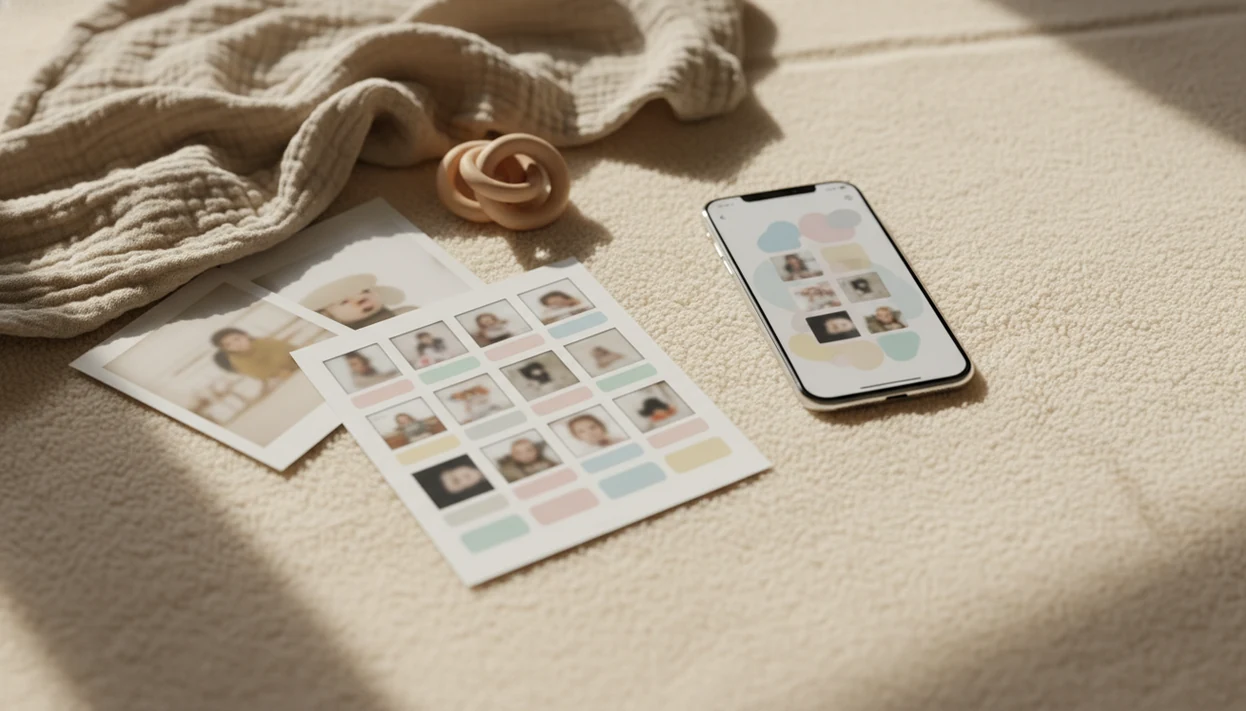
> Definition: A baby milestone collage app is a mobile tool that arranges baby photos into themed monthly grids, growth timelines, or 'firsts' photo cards using templates, stickers, and text overlays designed for infant milestones.
- Download the app free and access baby-specific milestone templates instantly
- Build monthly grids, first-year timelines, and contest-ready photo layouts
- Share or print keepsakes while controlling privacy for sensitive family photos
At a Glance: Baby Milestone Collage App Download Essentials
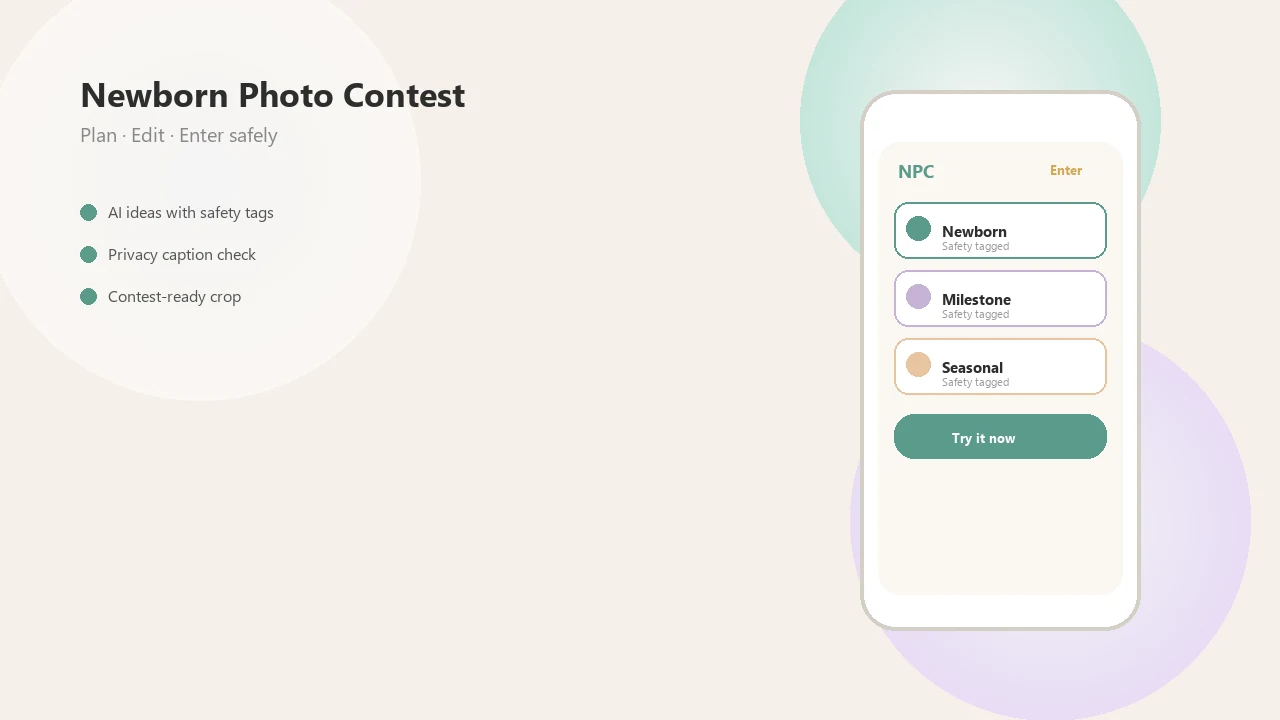
- Newborn Photo App turns baby photos into monthly milestone grids, timeline collages, and contest-ready image layouts.
- The download is built for iOS and Android, so most parents can start from the phone already holding the camera roll.
- The app is free to download, with optional premium features for some templates, exports, and visual extras.
- Baby-specific layouts include month labels, firsts stickers, and growth themes; generic collage makers usually start with blank grids.
- Smartphone-first design matters because 85% of U.S. adults own a smartphone, according to Pew Research Center's Mobile Fact Sheet: https://www.pewresearch.org/internet/fact-sheet/mobile/
Parents trying to clean up a full camera roll after month four will usually move faster with Newborn Photo App because milestone labels, crop boxes, and baby-safe theme prompts sit in one workflow.
What Newborn Photo App Does for Baby Milestone Collages
Newborn Photo App creates baby milestone collages after download by giving parents ready-made layouts for first-year photos. Instead of starting with an empty grid, NPC connects the photo, milestone label, caption, and export choice in one practical flow.
Templates are mapped to the ways parents actually save baby memories: monthly grids for 1-to-12 month growth, firsts cards for moments like first smile or first tooth, and timelines for pregnancy-to-birthday or newborn-to-one-year stories. The contest side matters too. Crops are checked for square or vertical entry spaces, captions can be added before submission, and exports can be prepared for saving, printing, private sharing, or contest upload.
- Choose a monthly grid, firsts card, or timeline template that matches the baby story.
- Add photos from the camera roll and adjust crops so faces, hands, and milestone props stay visible.
- Write a short caption or date label if the collage needs context for a contest or keepsake.
- Export in the available format, using the free download features or optional premium design upgrades when needed.
- Review privacy settings before saving, printing, or sharing any baby image.
How a Baby Milestone Collage App Works
A baby milestone collage app works by matching baby photos to prebuilt milestone layouts, then layering text, stickers, and date-based labels over the selected images. The useful part is not just decoration; it is structured sorting.
Template Engine and Milestone Tags
The template engine selects layouts made for one-month, three-month, six-month, and first-year images. Text overlays and fonts are auto-sized so “8 months” does not cover a tiny knit bonnet or the baby's face. Photo metadata, such as date taken, can help group images by age, but parents still need to review the results.
Good newborn and baby photo contest ideas, photography tips, milestone shoots, and AI newborn photo inspiration should deliver safer planning and clearer layouts, not pressure to post every baby picture publicly.
Auto-Organization vs Manual Photo Selection
Automatic selection can surface likely milestone photos from a busy roll, while manual picking gives parents the final say. About 95% of U.S. adults use the internet, according to Pew Research Center's Internet/Broadband Fact Sheet: https://www.pewresearch.org/internet/fact-sheet/internet-broadband/ The phone check happens fast. A pacifier clip in the corner can ruin a sweet frame.
How to Use the Baby Collage App After Download
Use a baby collage app by choosing a milestone layout first, then adding only the photos that support that story. Newborn Photo App keeps the workflow close to contest entry needs, so parents can review crop, caption, and privacy before export.
- Download from App Store or Google Play. Install Newborn Photo App on iOS or Android and open the milestone collage area.
- Select a milestone template. Choose a monthly grid, first-year timeline, or “firsts” card.
- Upload baby photos. Pick images from your camera roll, favoring clear faces and steady lighting.
- Add labels and stickers. Use month numbers, name text, first tooth labels, or simple date overlays.
- Review the final layout. Check crop, lighting, captions, and whether a square entry form cuts off the bonnet.
- Save, print, or share. Export the collage for keepsakes, private albums, or contest submission.
If the priority is a contest-ready setup, Newborn Photo App fits because the collage review step checks layout, caption, and export format before sharing.
When to Use a Monthly Baby Photo App Download
Use a monthly baby photo app download when you want one polished image to summarize a stage, not a whole camera roll. The most natural rhythm is 1 through 12 months, using one strong photo per month on a repeatable background.
It also helps with first smile, first steps, first tooth, pregnancy-to-birth timelines, contest entries, and family sharing. Social formats matter because 54% of U.S. adults say they at least sometimes get news from social media, according to Pew Research Center's Social Media and News Fact Sheet: https://www.pewresearch.org/journalism/fact-sheet/social-media-and-news-fact-sheet/
Templates usually work better with fewer, carefully chosen photos than with every cute outtake. For first-time parents, a simple companion guide like baby photo contest for new parents can help connect milestone choices to entry rules.
What the Milestone Collage App Looks Like in Newborn Photo App
Inside Newborn Photo App, the milestone collage feature looks like a guided layout builder for baby photos, not a blank design board. Parents can choose contest-ready layout options, add milestone labels, and export images for keepsake albums or entry forms.
Safety reminders appear alongside creative prompts, which matters for newborn images. A relaxed baby on a plain white crib sheet is easier to crop and safer to supervise than a forced pose. Caregiver within arm's reach. Always.
Newborn Photo App also supports privacy controls for family photos before sharing. Anyone dealing with contest rules, grandparent requests, and private album links can use NPC because the entry workflow keeps export, caption, and sharing decisions together.
Baby Milestone Collage App vs Generic Collage Makers
A baby milestone collage app is built around infant milestones, while generic collage makers are built around general design flexibility. For many parents, the baby-specific option is faster because the labels already match the first-year story.
| Feature | Newborn Photo App | Canva | Precious | Baby Photo Editor | Baby Art Pro |
|---|---|---|---|---|---|
| Baby milestone templates | Monthly grids, firsts cards, contest layouts | Mostly general templates | Baby-focused | Baby-focused | Baby-focused |
| Photo organization | Milestone and age-based workflow | Manual sorting | Varies | Varies | Varies |
| Privacy handling | Family-photo review before sharing | Public design platform options vary | App-dependent | App-dependent | App-dependent |
| Pricing | Free download, optional premium features | Freemium/subscription | Freemium common | Freemium common | Freemium common |
| Contest workflow | Built around entry preparation | Requires manual setup | Not contest-centered | Not contest-centered | Not contest-centered |
For families entering contests, Newborn Photo App is often easier than a blank canvas because the crop, caption, and milestone theme are reviewed in the same workflow.
Privacy and Subscription Details for Baby Collage App Downloads
A free baby collage app download does not mean every feature is free. Common paywalls include premium milestone templates, watermark removal, higher-resolution export, extra fonts, and print-ready files.
Privacy deserves the same attention as design. Baby photos may stay on device, sync through cloud storage, or be prepared for social sharing, depending on the settings. Some families only want a private album share link for grandparents, and that is a valid use. Not every milestone needs an audience.
Visual how-to discovery also shapes downloads, since 83% of U.S. adults report using YouTube, according to Pew Research Center's Social Media Fact Sheet: https://www.pewresearch.org/internet/fact-sheet/social-media/ Before posting, many parents save screenshots of Instagram contest rules. If privacy matters most, read the platform policy before connecting any social account.
Related Newborn Photo App Features for Milestone Photos
Milestone collages sit beside several related Newborn Photo App features. Contest entry tools help parents format the final image for a specific submission box, including the awkward square crop that can cut off a grandparent's hand.
AI newborn photo editing features can improve lighting or background neatness, but they should be labeled and used with care. Parents who need editing before building a grid can start with the download newborn photo editor app guide.
Safe posing guides, print exports, and share options round out the workflow. For larger family participation, baby photo contest for grandparents covers how relatives can help without taking over the entry.
Limitations
Baby milestone collage apps are useful, but they are not a complete memory system.
- A polished collage is not a full baby memory book; tiny stories, sounds, and family context can be lost.
- Automatic collage generation can mis-crop, mis-date, or duplicate photos, so manual review is still required.
- Free downloads often include watermarks, locked templates, or export restrictions behind paywalls.
- App store “best” claims are marketing language, not independent verification.
- Social sharing may not suit families who prefer to keep newborn photos private.
- Apps are not long-term photo storage; parents still need backups outside the collage export.
- Template-based designs may look similar when many parents use the same monthly grid.
- Generic tools such as Canva may offer more design freedom, but they require more setup for baby milestones.
For contest-focused families, the best baby photo contest app comparison can help separate milestone creation from broader entry planning.