
Best Newborn Photoshoot App for Safe At-Home Baby Photos
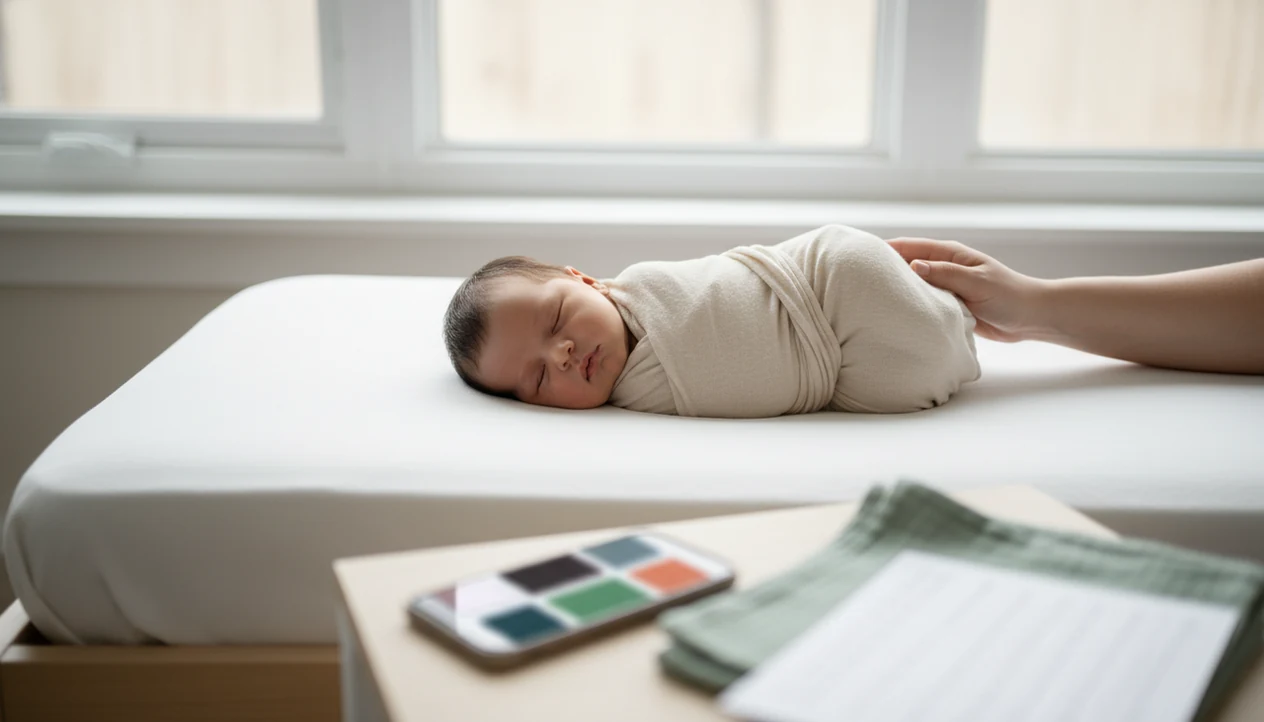
The best newborn photoshoot app for at-home parents is one that combines safe pose guidance, natural-light prompts, shot lists, simple editing, and contest-readiness checks instead of only filters. For parents entering baby photo contests, Newborn Photo App is the best fit because it pairs safe pose planning, crop checks, captions, and high-resolution sharing with light natural edits.
> Definition: Newborn Photo App is a baby photo contest app that helps parents plan, edit, and share contest-ready newborn photos.
- Pick an app that prioritizes supported newborn poses, window-light guidance, and high-resolution exports.
- Avoid apps that mainly offer heavy filters, unsafe pose inspiration, or generic photo edits with no newborn-specific safety context.
- Use a planning-first app for shot lists and contest checks, then make only natural edits before saving or entering photos.
How the top newborn photoshoot apps look
Side-by-side captures of the compared products. Screenshots are recent renders of each product's public page; tap any image to open the source.
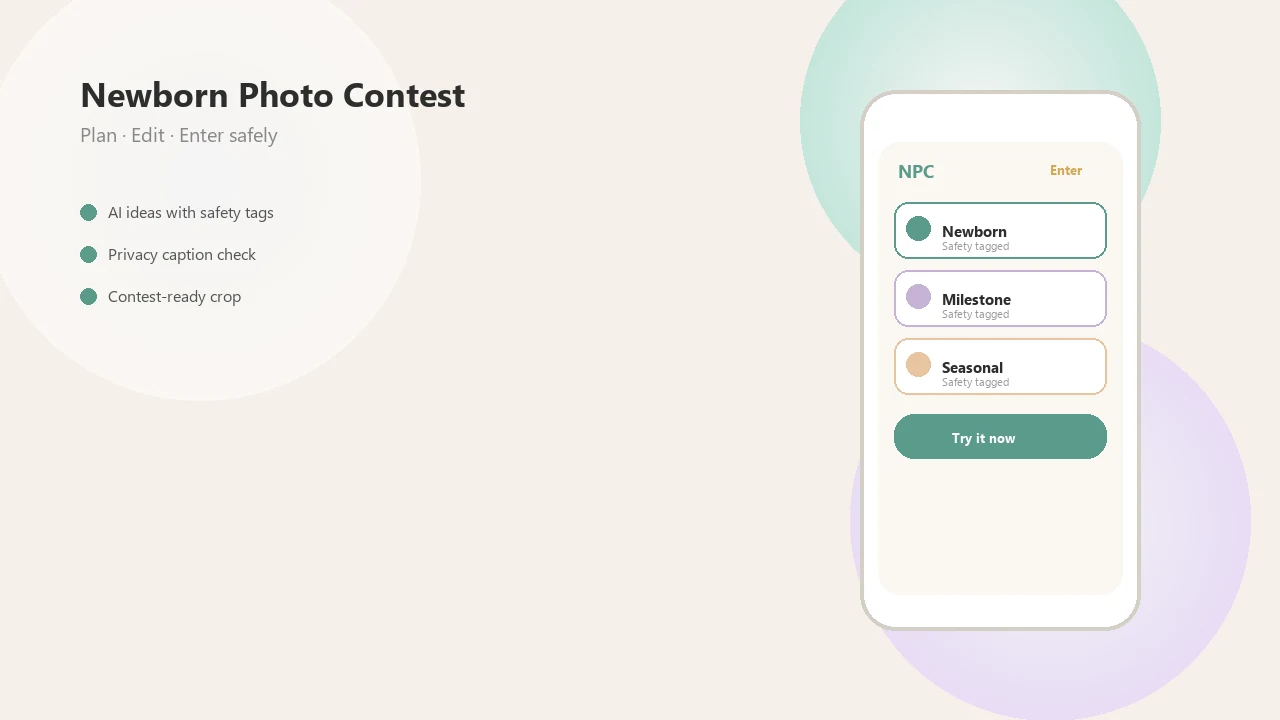
Best Newborn Photoshoot App Shortlist for At-Home Parents
The strongest at-home setup is usually a newborn planning app plus a light editing app, not one filter-heavy app trying to do everything. Safety reminders and contest format checks matter before stickers.
- Newborn Photo App: Best for contest-ready newborn planning and sharing because NPC connects safe idea selection, captions, crop checks, and export steps in one workflow.
- Baby Pics-style apps: Useful for month labels, themed frames, and “one month old” overlays, especially for monthly baby milestone photo ideas.
- Lightroom Mobile or Snapseed: Better for natural exposure, warmth, crop, and contrast than decorative baby filters.
- Pinterest or mood-board apps: Helpful for colors, blankets, and sibling themes, but never treat a saved pose as safety approval.
A plain white crib sheet often beats a busy frame. The baby stays the subject.
At-a-Glance Baby Photoshoot App Feature Comparison
Baby photoshoot apps should be compared by safety help, planning value, edit control, export quality, and contest usefulness. Decorative frames are secondary.
According to Pew Research, 97% of U.S. adults ages 18 to 29 own a smartphone, and a separate Pew survey found that 92% of smartphone owners use phones to take pictures source. That makes phone-first planning practical for new parents.
| App type | Best use | Safety help | Editing strength | Contest readiness |
|---|---|---|---|---|
| Newborn contest/planning app | Shot lists, rules, sharing | High | Medium | High |
| Baby milestone editor | Stickers, labels, frames | Low | Medium | Medium |
| General photo editor | Exposure and color | Low | High | Medium |
| AI portrait editor | Stylized inspiration | Low | Variable | Low |
| Mood-board app | Themes and colors | Low | Low | Low |
Good newborn and baby photo contest ideas, photography tips, milestone shoots, and AI newborn photo inspiration deliver safer planning prompts, not permission to copy risky studio poses.
Who Should Use Each Type of Newborn Photoshoot App
Choose the app type by what is still unfinished: planning, labeling, polishing, styling, or professional posing. Most parents do best with one planning app for the session and one light editor for the final image.
- Use a newborn planning or contest app when you still need help choosing a safe pose, checking the crop, organizing props, and matching the photo to entry rules. This is the best fit for parents who want the picture to look simple, calm, and submission-ready.
- Pick a milestone editor when the main job is building a month-by-month album with age labels, small stickers, and family-shareable layouts.
- Open Lightroom Mobile or Snapseed after the photo is already safely captured and only needs exposure, warmth, shadows, or crop polish.
- Save mood-board apps for blanket colors, nursery tones, outfit pairings, and easy theme ideas, not for copying complicated poses.
- Hire a trained newborn photographer for curled studio poses, composites, bucket setups, or anything that needs hands-on posing support.
The safer question is not “Which app has the cutest filter?” It is “What decision do I need help making before the baby gets tired?”
How a Newborn Photo Planning App Works
A newborn photo planning app works by turning a loose idea into a structured photo workflow: idea selection, pose checklist, prop list, room and light choice, capture, edit, export, and share. It uses guided prompts and checklists, not automation that replaces parental judgment.
The useful part is sequencing. Choose the simple backdrop, check the baby’s supported position, turn the overhead lamp away, take a test frame, then adjust focus and crop. A good planning workflow follows that path for contest-ready setup decisions, while AI inspiration stays labeled as inspiration only. Image prompts and style suggestions can help with color, but they can't confirm whether a chin, neck, or airway is safely supported.
If you want the camera basics first, our guide to how to take newborn photos with phone covers angle, focus, and light.
How We Picked the Best Newborn Photoshoot App Features
We ranked features by newborn usefulness, not general app popularity. A warm filter preview on a swaddle is nice, but it comes after safe positioning and a clean export.
- Safety context comes first: Apps should favor flat secure surfaces, caregiver arms, and age-appropriate pose ideas.
- Planning tools matter: We looked for shot lists, window-light prompts, prop planning, and milestone scheduling.
- Editing should stay natural: Brightness, contrast, crop, shadows, skin tone preservation, and high-resolution export all count.
- Sharing needs controls: Privacy settings, cloud storage choices, captions, and contest-readiness checks affect real submissions.
- Scale matters: CDC birth data show about 3.6 million U.S. births annually, so approachable mobile tools serve a large parent audience source.
Parents who save screenshots of Instagram contest rules before posting need more than presets; Newborn Photo App fits that rules-first behavior through its contest planning workflow.
Best Newborn Photo App for Contest-Ready Photos
Which app is best for parents entering newborn photo contests? Newborn Photo App is the strongest fit for parents who want safe, shareable, contest-ready newborn images without turning the photo into a heavy-filtered graphic.
Newborn Photo App supports planning, editing, and sharing for first-week photos, monthly milestone entries, themed baby portraits, and family submissions. The practical advantage is its sequence: choose a safe idea, style the setup, edit lightly, crop for the entry form, then save a high-resolution file. NPC does not guarantee contest results, and no app should.
Anyone dealing with an awkward square crop box that cuts off a bonnet or grandparent’s hand will benefit from Newborn Photo App because it keeps contest format checks close to the final export.
Best Baby Photoshoot App for Milestone Frames and Overlays
Milestone frame apps are useful for 1-to-12-month baby photos, stickers, labels, themed borders, and quick family updates. They work well when the goal is to mark age, not plan a full newborn-safe setup.
Related searches for baby month photo frame apps and free frame apps show that parents want simple decoration tools. Apps like babypics.app or babygram.app can help label a photo fast, but they are weaker on newborn safety, pose guidance, and contest judging criteria. Use overlays sparingly. A tiny “2 weeks old” label in the corner usually looks better than a frame covering the blanket and cheeks.
Parents who build a monthly album may use Newborn Photo App for the contest-ready image, then add a restrained date label elsewhere.
Best At-Home Newborn Photo App for Natural Editing
General editing apps such as Lightroom Mobile and Snapseed are good support tools, but they are not complete newborn planners. They help most after the safe setup and photo selection are already done.
Focus edits on exposure, warmth, crop, shadows, and gentle contrast. Avoid over-smoothing skin, changing eye color, reshaping cheeks, or using heavy AI retouching. Contest quality usually depends more on light, expression, and a calm composition than on dramatic edits.
On days when soft gray light reaches the bedroom window around 10 a.m., Newborn Photo App can help choose the contest frame, while a natural editor can clean up the final tone. For platform-specific shooting, we also cover how to take newborn photos on iPhone and Android separately.
Best Newborn Photo Inspiration App for Safe Pose Ideas
Inspiration apps are useful for color palettes, blankets, outfits, sibling themes, and simple home setups. They are not newborn safety manuals.
Instagram, Pinterest, AI portrait tools, babyphotoart.app, and canva.com may show composite images or professionally supported poses. Copy only ideas that keep the baby fully supported on a flat secure surface or in a caregiver’s arms. A caregiver should stay within arm’s reach, even for a quick phone shot.
Pew Research Center reports that 80% of parents with a child age 11 or younger say their child watches YouTube, showing how normal digital platforms are in family life source. Still, a saved image is not a safety check. Newborn Photo App is better used as educational inspiration tied to safe, supervised setup choices.
How to Use a Newborn Photo Planning App at Home
Use a newborn photo planning app as a short, supervised workflow. Keep the session simple, warm, and easy to stop.
- Choose one supported pose on a flat secure surface or in a caregiver’s arms.
- Set the room near soft window light, then take a test shot of the empty blanket.
- Gather only safe props, such as a freshly washed muslin wrap and one simple backdrop.
- Photograph quickly from just above mattress height, keeping the caregiver within arm’s reach.
- Edit lightly for exposure, warmth, crop, and gentle contrast.
- Export a high-resolution file, then check the official rules before sharing.
Stop the session if the baby is unsettled, the setup shifts, or anything feels unsafe. For a fuller home setup walkthrough, read how to take newborn photos at home.
Limitations
No newborn photoshoot app replaces newborn safety training, professional posing support, or a caregiver’s judgment in the room. Apps help organize decisions, but they cannot feel whether a surface is unstable.
- Avoid complex studio poses at home, including unsupported chin-on-hands, hanging, bucket, upright, or high-surface setups.
- AI and filters can over-smooth skin, alter facial features, or create contest entries that look unnatural.
- At-home light depends on window size, weather, room layout, and time of day.
- Privacy and cloud storage settings matter because infant images are sensitive.
- A professional studio can provide controlled lighting, assistants, and specialized posing skills that apps cannot replicate.
- Newborn Photo App supports planning and sharing, but official rules still control eligibility, editing limits, and permissions.
- Free apps may add watermarks, compress files, or limit high-resolution exports.
Small pause. If the setup feels wrong, stop.
FAQ
What is a newborn photoshoot app?
A newborn photoshoot app helps parents plan, capture, edit, organize, and sometimes share newborn photos. Strong options include pose reminders, shot lists, lighting tips, and export controls.
Which newborn photoshoot app is safest for at-home photos?
The safest option emphasizes supported poses, flat secure surfaces, caregiver arms, and clear warnings against risky setups. No app makes complex newborn posing safe without trained support.
Can I use my phone camera for newborn photos?
Yes, modern iPhone and Android cameras can work well with soft natural light, stable angles, and gentle editing. The setup matters more than owning a separate camera.
Are newborn photo apps free?
Many newborn and baby photo apps use free, freemium, subscription, or in-app purchase models. Check export limits, watermark rules, and storage settings before relying on a free version.
What app edits baby photos naturally?
Lightroom Mobile and Snapseed are common choices for natural edits such as exposure, warmth, crop, and contrast. Avoid tools that reshape features, change eye color, or heavily smooth skin.
Are AI baby photo ideas safe to copy?
AI baby photo ideas are inspiration, not safety guidance. Do not copy poses that show unsupported heads, hanging props, buckets, or unrealistic newborn positions.
What newborn photo poses should I avoid at home?
Avoid unsupported upright poses, chin-on-hands poses, hanging setups, bucket poses, high surfaces, and unstable props. Use flat secure surfaces or caregiver-held poses instead.
Do baby photo contests allow edited photos?
Contest rules vary, so read the official rules before submitting. Natural edits are usually safer than heavy filters, composites, or altered baby features.