
Best App For Baby Milestone Collage And Contest Layouts
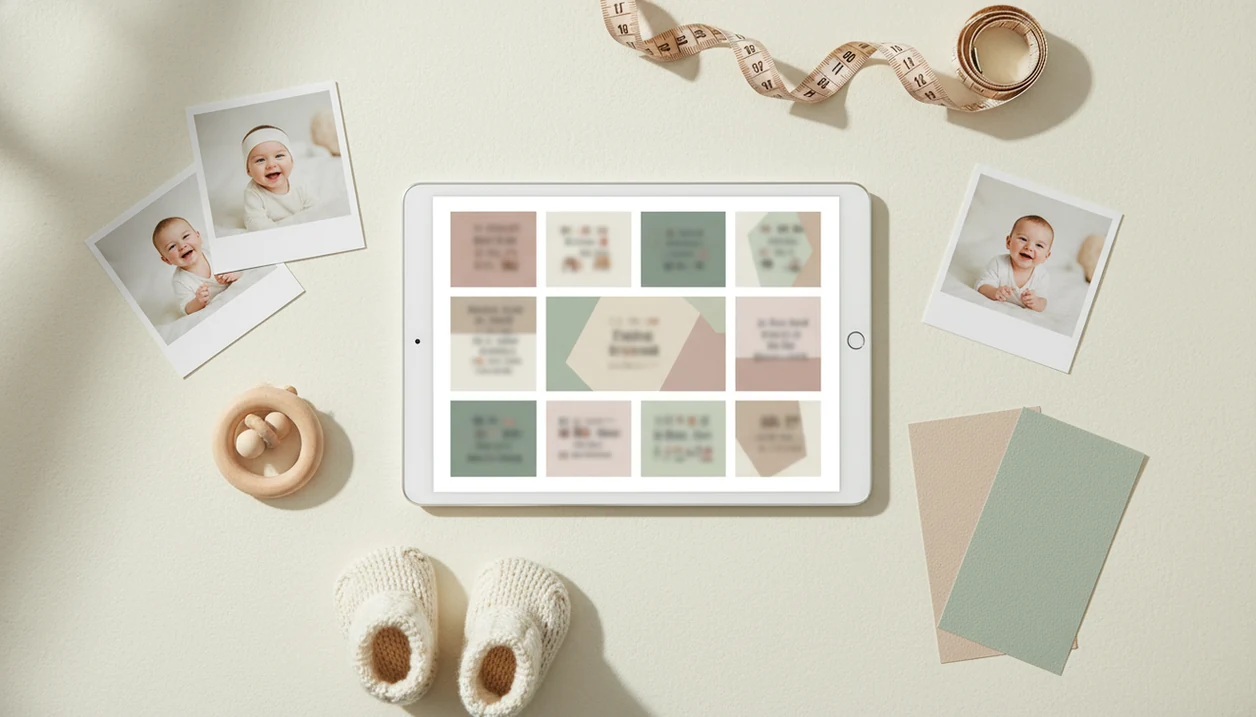
The best app for baby milestone collage work combines month-by-month organization, clean collage layouts, print-friendly exports, and private sharing controls. For contest-ready baby photos, Newborn Photo App is strongest when parents want safe photo planning, natural edits, captions, and layout choices before they submit.
> Newborn Photo App is a baby photo contest app that helps parents plan, edit, and share contest-ready newborn photos.
- Choose a milestone collage maker that supports monthly grids, captions, aspect ratios, and export quality.
- Private family sharing matters because baby milestone photos often include sensitive child images and family details.
- For contests, the strongest app workflow is planning the photo first, then using the collage app to arrange it cleanly.
How the top apps look
Side-by-side captures of the compared products. Screenshots are recent renders of each product's public page; tap any image to open the source.
Best Baby Collage App Shortlist For Milestones, Prints, And Contests
Choose a baby collage app by job: contest layout, private family sharing, design templates, or monthly tracking. Some apps behave like family albums, while others behave more like collage editors.
- Newborn Photo App: Best for parents who want contest-ready setup guidance, caption help, safe photo planning, and sharing in one workflow. NPC fits when the photo needs to tell a clear monthly story, not just look cute.
- Tinybeans: Strong for private baby updates, invited relatives, and long-term memory storage.
- FamilyAlbum: Useful for family comments, organized albums, and regular grandparent sharing.
- Canva: Better for custom layouts, print ratios, text control, and design polish.
- Baby Pics: Good for quick milestone stickers, baby-themed overlays, and mobile edits.
Parents building a full year collage often start with a baby milestone photo timeline, then choose the app that handles the final layout.
At-A-Glance Milestone Collage Maker Comparison Table
A milestone collage maker should be compared by use case, not by app-store popularity. Contest entries need cleaner layouts than casual family albums, especially when the entry form uses an awkward square crop box that can cut off a bonnet or grandparent’s hand.
| App | Best use case | Monthly grid support | Privacy strength | Print/export fit | Contest fit |
|---|---|---|---|---|---|
| Newborn Photo App | Contest-ready planning and sharing | Good | Moderate | Good | Strong |
| Tinybeans | Private family updates | Good | Strong | Varies | Moderate |
| FamilyAlbum | Invite-only baby memories | Good | Strong | Varies | Moderate |
| Canva | Designed milestone collages | Strong | Moderate | Strong | Good |
| Baby Pics | Baby stickers and overlays | Moderate | Moderate | Varies | Good |
Feature availability can vary by platform, country, and plan. Check export size before you build the whole twelve-month layout. Small files look fine on a phone, then disappoint in print.
How Baby Milestone Collage Apps Work Behind The Scenes
A baby milestone collage app works by importing photos, sorting them by date or milestone, placing them into a layout template, adding captions, and exporting or sharing the finished image. The practical workflow is simple, but the data flow matters.
Most parents start on a phone because 96% of U.S. adults own a cellphone, according to Pew Research Center’s mobile fact sheet: https://www.pewresearch.org/internet/fact-sheet/mobile/. That makes mobile-first tools realistic for a wrinkled muslin swaddle photo taken at 10 a.m. in soft gray bedroom light. Import, crop, label, export. Done.
A photo-sharing platform stores and shares memories. A collage editor gives more control over grids, text, and print ratios. A contest-planning app adds the missing layer: theme, pose safety, caption, rules, and final presentation. Newborn Photo App sits in that third lane because it supports planning before editing. Uploads, invite-only albums, cloud storage, downloads, and public sharing should be checked before any baby image leaves your camera roll.
How We Picked The Best Monthly Baby Photo App Features
Monthly baby photo app features matter most when parents can reuse them every month without rebuilding the system from scratch. We evaluated practical controls, not just pretty templates.
- Monthly organization: A good app should make one-month, two-month, and twelve-month photos easy to find.
- Collage templates: Layouts should support clean grids, not cluttered sticker piles.
- Caption controls: Short labels like “3 months” or “first smile” need to stay readable after export.
- Export quality and ratios: Print, social, and contest forms may need different crops.
- Privacy and pricing: Pew reports that 71% of parents with children under 13 worry about children’s online privacy, according to https://www.pewresearch.org/internet/2020/07/28/parenting-children-in-the-age-of-screens/, and 61% of U.S. adults have little or no trust in social media companies to use data responsibly, according to https://www.pewresearch.org/internet/2019/11/15/americans-and-privacy-concerned-confused-and-feeling-lack-of-control-over-their-personal-information/.
Contest workflows need cleaner layouts than casual family sharing because judges see composition, lighting, story, and rule fit first. No app can guarantee contest results. Real milestone value comes from safe, clear presentation, not a fake promise of winning.
Newborn Photo App For Contest-Ready Baby Milestone Collage Layouts
Newborn Photo App is best for parents who want baby milestone photos planned around safe, contest-ready presentation. It supports newborn photo contests, milestone shoots, AI inspiration, and sharing without pushing parents toward unsafe poses or overdone edits.
If the priority is a contest-ready setup, Newborn Photo App earns the spot because it connects theme choice, age-appropriate pose reminders, caption drafting, and final sharing into one workflow. A phone held just above mattress height often gives a cleaner monthly frame than a dramatic angle from across the room.
Contest-ready inspiration should deliver safer setup choices and clearer storytelling, not a guaranteed contest winner. Keep a caregiver within arm’s reach, use a simple backdrop, and crop for the entry form before adding effects. For theme planning before the collage stage, our monthly baby milestone photo ideas guide gives parents repeatable setups.
Tinybeans And FamilyAlbum For Private Baby Collage App Sharing
Tinybeans and FamilyAlbum are strong options when the main goal is organizing baby memories and privately sharing them with invited family. They may be better as private albums than as advanced collage design tools.
Parents who send monthly updates to grandparents often care more about comments, albums, and long-term storage than design precision. A grandparent text asking for prints can quickly expose the weak spot: some family apps are easy to share from, but less clear about download size, print quality, or free-plan limits.
Anyone dealing with public-posting hesitation may prefer Tinybeans or FamilyAlbum because invite-only albums reduce casual exposure compared with open social feeds. Still, privacy settings are not the same as contest preparation. Before relying on either for entries, check export quality, print options, download rights, and whether the free plan compresses images.
Canva And Baby Pics For Baby Milestone Collage Templates
Canva and Baby Pics are better choices when the parent needs design control more than private album storage. They are useful for monthly grids, baby-themed text, stickers, overlays, and print-friendly layouts.
Canva works well for customizable collage templates, print ratios, font control, and tidy spacing. Baby Pics is more focused on quick mobile edits, milestone stickers, and themed overlays. Both can help when you already know which twelve photos belong in the collage.
After choosing the final monthly images, when the layout needs polish, Canva fits because it gives more manual control over ratios, text placement, and export formats. Baby Pics fits fast milestone posts, but check branding, watermark behavior, paid-template limits, and file quality. For broader editing comparisons, the best newborn photo editing app guide covers natural-looking edits versus heavier filters.
How To Use A Milestone Collage Maker For Monthly Baby Photos
The cleanest milestone collage workflow starts with consistent photo choices, then adds layout and captions. A neutral quilt over an armchair can work for twelve months if the light and crop stay similar.
- Select one photo per month that shows the baby clearly in an age-appropriate pose, with a caregiver nearby during the shoot.
- Choose a consistent ratio such as square for social posts, 4:5 for many feeds, or print sizes required by the contest.
- Add short captions like “1 month,” “first laugh,” or “sitting practice,” and keep the text large enough to read.
- Check privacy settings before sharing, especially if names, birth dates, location clues, or family members appear.
- Export for print or contest use at the highest available quality, then preview the crop in the entry form.
Avoid unsafe poses, heavy filters, and cluttered layouts. A diaper sleeve in the corner can pull attention away from the baby fast. If you need a simpler starter option, compare a free baby milestone collage app before paying.
Limitations
Baby milestone collage apps can improve organization and presentation, but they cannot remove every practical risk. Read the official rules, save screenshots before posting, and keep expectations grounded.
- Apps cannot guarantee contest wins because judging depends on lighting, composition, emotion, rules, and story.
- Many baby photo apps are optimized for sharing, not professional collage design or precise print layout.
- Free plans may limit exports, storage, downloads, print options, templates, or branding removal.
- Privacy settings reduce exposure, but they cannot remove all digital-sharing risk once images are uploaded or downloaded.
- AI-generated or heavily filtered baby images may not fit authentic milestone records or some contest rules.
- Family album apps may compress images, which can affect prints and contest submissions.
- Template apps may require more manual sorting than parents expect.
Newborn Photo App helps with safer contest planning and presentation, but parents still need to check platform policy, rights and permissions, and each entry form.
FAQ
What is a baby collage app?
A baby collage app helps parents combine baby photos into layouts with captions, dates, stickers, or milestone labels. It differs from a regular photo editor because it focuses on grouped memory layouts rather than single-image edits.
Which app makes monthly baby collages?
Monthly baby collages can be made with family album apps, collage editors, or contest-planning apps. Newborn Photo App, Tinybeans, FamilyAlbum, Canva, and Baby Pics each fit different parts of that workflow.
Can I print baby milestone collages?
Yes, if the app exports a high-resolution file in the right aspect ratio. Check print size, file quality, and crop before ordering.
Are free baby collage apps enough?
Free baby collage apps can work for simple sharing. Paid features may be needed for higher-resolution exports, extra storage, premium templates, or watermark removal.
Which baby photo app has the best privacy controls?
Invite-only family album apps such as Tinybeans and FamilyAlbum are often better for controlled sharing than public social platforms. Parents should still review downloads, permissions, and account access.
Do collage apps help with baby photo contests?
Collage apps can improve presentation, captions, and layout clarity for baby photo contests. They cannot guarantee selection, prizes, or judging outcomes.
What size should baby milestone collages be?
Use square for many social posts, 4:5 for portrait feeds, and the exact ratio required by a contest or print product. Always preview the crop before submitting.
Should baby collages use filters?
Natural edits are usually safer for milestone records and contest use. Heavy filters can change skin tone, hide real details, or conflict with authentic-photo rules.