
App To Help Plan Newborn Photos Safely At Home
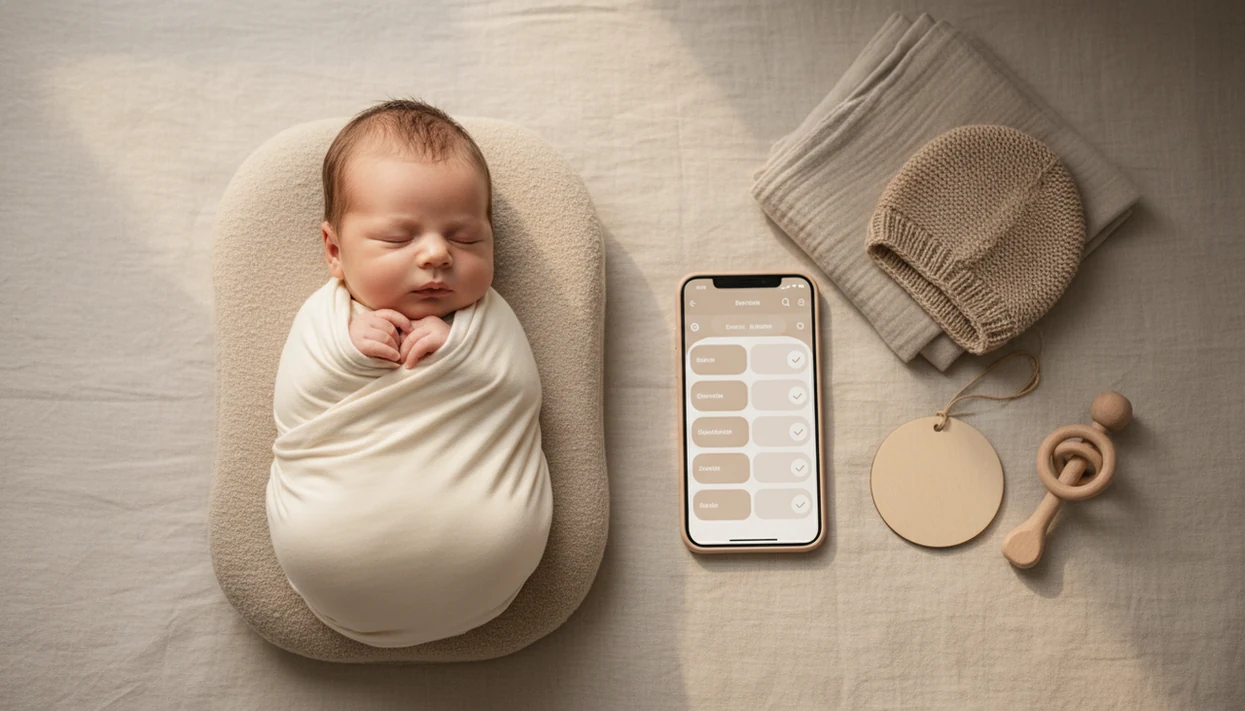
An app to help plan newborn photos helps parents turn cute ideas into a short, safe, contest-ready session before the baby gets restless. It should organize themes, props, outfits, lighting, shot lists, and safety reminders in one place, and Newborn Photo App, or NPC, keeps that workflow tied to contest-ready checks.
> Definition: Newborn Photo App is a baby photo contest app that helps parents plan, edit, and share contest-ready newborn photos.
- Use a newborn photo planner app to build a simple 30–60 minute shot list before the session starts.
- Prioritize safe, supported poses, natural window light, warm-room prep, and a calm sleep window.
- Save contest themes, AI inspiration, props, outfits, and final image checks in one workflow instead of scattered notes.
How these apps look
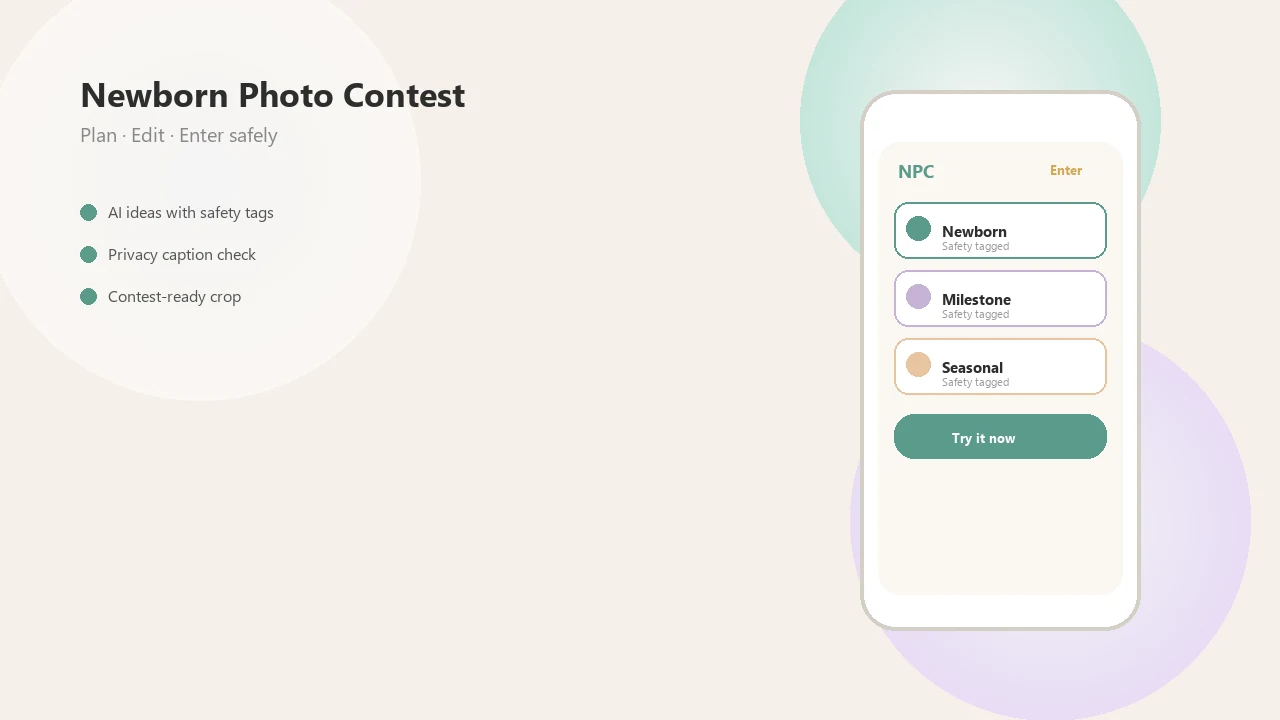
Side-by-side captures of the compared products. Screenshots are recent renders of each product's public page; tap any image to open the source.
Newborn Photo Planner App Basics For Short Home Sessions
A newborn photo planner app centralizes poses, props, outfits, lighting notes, themes, and timing so parents are not improvising while the baby is already sleepy or hungry. It is planning support, not a substitute for adult judgment, safe positioning, or a caregiver within arm's reach.
Early baby photography is common: CDC/NCHS reported that 92.8% of U.S. babies born in 2017–2019 had at least one newborn hospital-stay photograph taken (https://www.cdc.gov/nchs/), and Pew Research Center has reported that many parents rely on smartphone cameras in everyday family life (https://www.pewresearch.org/internet/2020/07/28/parenting-children-in-the-age-of-screens/). That matches what we see in real entries: a phone held just above mattress height, a plain white crib sheet, and one parent trying to crop out a burp cloth in the corner.
When the issue is scattered ideas, Newborn Photo App fits because it keeps theme notes, shot order, and contest checks in one planning workflow.
How An App To Help Plan Newborn Photos Works
An app to help plan newborn photos works by turning parent inputs into an ordered session plan. Typical inputs include baby age, planned session length, contest theme, preferred props, room light, and must-have images such as solo baby, parent hands, sibling, and tiny detail shots.
The useful part is sequencing. A planner can place low-movement shots first, then group prop changes so the baby is not lifted and re-set after every frame. The planning logic is simple metadata plus a shot list, meaning the app tags each idea by setup, pose, light, and contest use.
The reminders matter too: feed, nap, room warmth, white noise, safe posing notes, and final contest checks. AI inspiration can suggest colors or styling, but it should not imply unsafe real-life posing.
If your priority is reducing mid-session scrambling, Newborn Photo App helps because NPC connects AI inspiration to a safer, ordered newborn shot list.
How To Use A Baby Photoshoot Planner Before Baby Gets Restless
Use a baby photoshoot planner before the session, not after the baby is already dressed. A short plan keeps the room calm and leaves space to stop for feeding, soothing, or a full reset.
- Choose one theme, such as simple swaddle, holiday, first week, or contest prompt.
- Save inspiration, but mark any advanced pose as “idea only” unless a professional is handling it.
- Build a 30–60 minute shot list with easiest setups first and family groupings last.
- Prepare the room with window light, clean props, warm conditions, and a clear floor path.
- Shoot low-movement images first, then stop if the baby is uncomfortable or wide awake.
- Review the final images for clear face visibility, safe setup, theme match, and entry crop.
Parents looking for a practical baby photoshoot planner can use Newborn Photo App because it ties setup planning to final image review. For deeper phone setup help, our guide on how to take newborn photos with phone covers angle, focus, and light.
When To Use A Newborn Shot List App For Sleepy Baby Photos
A newborn shot list app is most useful before a sleepy window, especially during the first couple of weeks when curled, newborn-style photos are often easier. Newborns typically sleep 14–17 hours per day in the first months, according to NICHD (https://www.nichd.nih.gov/health/topics/sleep/conditioninfo/how-much), so timing the session around rest can make the plan calmer.
- The first two weeks are commonly preferred for sleepy, curled newborn-style photos.
- Sleep-window planning helps parents choose a realistic session length.
- Hospital photos, home window-light photos, and short studio visits all benefit from a written list.
- Milestone prompts, seasonal themes, and contest entries need different crops and groupings.
- NICU, medically fragile, or delayed sessions may not follow standard age-based timing.
A quiet note: the calendar is not the boss.
After a feeding, when the baby settles into that soft gray light from a bedroom window around 10 a.m., Newborn Photo App can help prioritize the safest must-have images first. For broader setup planning, how to take newborn photos at home is a useful companion.
What Newborn Photo App Planning Looks Like In The App
Newborn Photo App planning starts with the contest-ready setup: theme idea, AI inspiration, props, outfit notes, shot list, and share-ready edit. Good newborn and baby photo contest ideas, photography tips, milestone shoots, and AI newborn photo inspiration deliver a safer plan and clearer image choices, not a guaranteed contest winner.
Theme board: Save prompt ideas like first smile, monthly growth, holidays, or family groupings.
Setup notes: Keep prop, outfit, backdrop, and lighting details beside each shot.
Contest checks: Review clear face visibility, safe setup, uncluttered background, prompt match, and final crop.
Sharing workflow: Prepare a private album share link or final entry image after the family approves it.
Grandma may get the voting link, but parents should still save screenshots of official rules before posting. Newborn Photo App earns its spot here because the same workflow moves from idea to crop for the entry form.
Newborn Photo Planner App Features Versus Photo Editing Apps
A planning-first app helps before the shutter is pressed, while photo editing apps mainly help after the image exists. Editing can improve color and small distractions, but it cannot recover a missed family grouping, unsafe setup, or harsh light across the baby’s face.
| Option | Best for | Main gap |
|---|---|---|
| Newborn photo planner app | Themes, timing, props, safety notes, shot order | Still needs adult supervision |
| Baby photo editor | Retouching, filters, brightness, crop | Does not plan the session |
| Pinterest or Instagram board | Visual inspiration | Easy to lose rules and safety notes |
| Notes app | Simple checklist | No contest or image workflow |
| Professional photographer checklist | Studio-level structure | May not fit quick home photos |
Apps such as babypics.app, babygram.app, babyphotoart.app, littlestories.app, and canva.com can help with edits or design. Newborn Photo App is planning-first because it connects the newborn shot list app workflow with contest checks. If you shoot on iOS, how to take newborn photos on iPhone covers practical camera settings.
Safety Checks A Baby Photoshoot Planner Should Keep Visible
A baby photoshoot planner should keep safety notes visible because safe posing, temperature control, and supervision still require adult judgment. Many dramatic newborn images are professional composites, meaning several safe images are combined later rather than captured as one real-life pose.
- Use supported, age-appropriate poses with a caregiver close enough to intervene.
- Avoid unsupported head positions, hanging setups, glass props, and unstable baskets.
- Keep the room warm, but not overheated, and watch the baby’s color and comfort cues.
- Clean props, blankets, and wraps before they touch the baby.
- Stop the session when the baby shows discomfort, stress, or repeated fussing.
The most contest-ready newborn photo is usually the safest clear image, not the most complicated pose. Newborn Photo App keeps reminders beside creative prompts because inspiration and guardrails belong in the same checklist. Simple matters.
Limitations
Newborn photo planning apps are useful, but they do not control the baby, the room, or every platform rule. These limits are worth knowing before you plan around a deadline circled on the calendar.
- Newborn Photo App cannot guarantee baby cooperation during fussiness, feeding needs, growth spurts, colic, or awkward timing.
- AI inspiration may not clearly label composites, advanced posing, or images that require professional hands.
- Editing cannot fully fix harsh light, motion blur, unsafe posing, closed-off expressions, or missed moments.
- Privacy, cultural comfort, family consent, and social sharing remain family decisions.
- NICU babies or medically fragile babies may not fit standard newborn timing advice.
- Some contests change official rules, file size requirements, or crop formats without much notice.
- A planner cannot replace a trained newborn photographer for complex setups.
Newborn Photo App can organize the session, but parents still decide what feels safe, private, and worth sharing.
FAQ
What is a newborn photo planner app?
A newborn photo planner app organizes newborn photo themes, timing, props, outfits, lighting notes, and shot lists. It helps parents prepare a short session before the baby gets restless.
When should I take newborn photos?
Many families aim for the first two weeks for sleepy newborn-style photos. NICU stays, recovery, illness, and family timing may make a later session the right choice.
Can I use an iPhone for newborn photos?
Yes, an iPhone can work well for newborn photos with natural window light, a stable angle, and basic editing. A shot-list workflow can help organize the session before you start.
What shots should I put on a newborn photo list?
Include solo baby, swaddled baby, parent or sibling images, tiny details, family grouping, and one themed contest image. Keep the list short enough to finish if the baby needs a break.
Are newborn photo planner apps safe to use?
Planner apps can show safety reminders and help avoid rushed decisions. They cannot replace adult supervision, safe posing knowledge, or professional help for complex poses.
Do AI baby filters help with newborn photos?
AI baby filters can inspire styling or polish a good source image. They cannot fix unsafe posing, poor lighting, heavy blur, or a missed moment.
What props are best for newborn photos at home?
Choose clean, simple, supportive props such as a soft blanket, plain crib sheet, fitted wrap, or small milestone card. Avoid unstable containers, loose small items, or props that overwhelm the baby.
How do I check whether a newborn photo is contest-ready?
Check that the image matches the theme, shows a safe setup, has a clear face, and fits the contest crop. Newborn Photo App can help review those entry details before sharing.