
What App Identifies Duplicate Baby Photos for Easier Sorting?
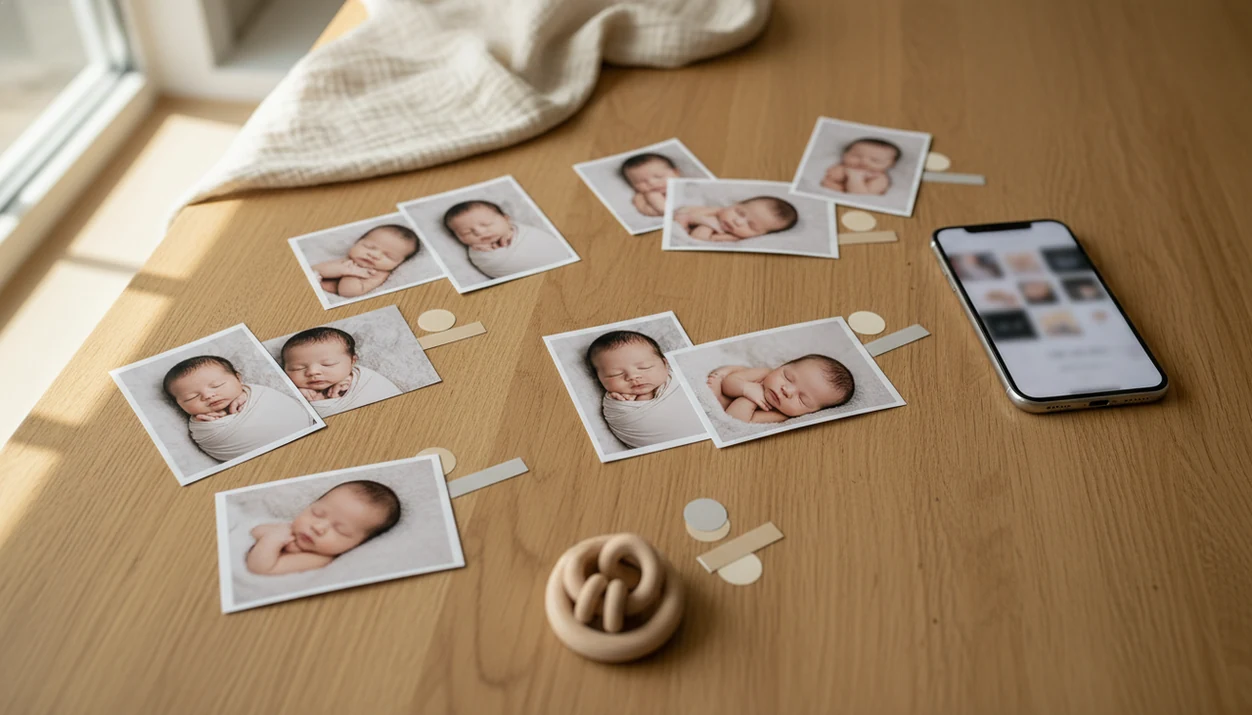
A practical answer to what app identifies duplicate baby photos is a built-in duplicate finder like iPhone Photos Duplicates, Files by Google on Android, or a reputable duplicate photo finder such as Remo, Duplicates Cleaner, or dupeGuru for desktop folders. These tools find exact and near-duplicate baby photos so parents can compare similar shots, keep the best expression, and build a cleaner contest shortlist.
> A duplicate baby photo finder is a photo sorting app or photo cleaner that scans baby albums for exact copies and very similar images, then groups them for human review before deletion or contest selection.
- Use iPhone Photos Duplicates, Files by Google, or a trusted duplicate photo finder to group repeated baby photos.
- Do not let an app choose the contest winner automatically; review expression, sharpness, lighting, and theme yourself.
- Back up baby photos before deleting anything, especially when using third-party or cloud-based cleaners.
Duplicate Baby Photo Finder Definition for Contest Sorting
A duplicate baby photo finder is a photo sorting app or photo cleaner that scans baby albums for exact copies and very similar images, then groups them for human review before deletion or contest selection.
Most tools are general duplicate photo finders, not baby-only apps. That is fine if you aim them at the right album. Exact duplicates may be the same image saved twice, sent through messages, or downloaded from a cloud folder. Near-duplicates are trickier: burst shots, tiny pose changes, edited versions, square crops, and repeated uploads.
For contest prep, the goal is not to erase memories. It is to make a smaller review pile. We often see parents compare ten almost identical photos where only one has the yawn caught mid-frame. Tools like Newborn Photo App can sit after that cleanup stage. Newborn Photo App is a baby photo contest app that helps parents plan, edit, and share contest-ready newborn photos.
Best Apps That Identify Duplicate Baby Photos on iPhone, Android, and Desktop
Choose the duplicate baby photo app based on where the photos already live. Moving files first can create more copies, which defeats the point.
- iPhone Photos Duplicates album: iOS users should start in Photos. The Duplicates album can group detected copies and let you merge them after review. Apple documents duplicate-photo detection and merging in Photos here: https://support.apple.com/guide/iphone/delete-or-hide-photos-and-videos-iphb54d8b8b7/ios.
- Files by Google: Android users can try Files by Google for storage cleanup and duplicate suggestions on the phone. Google explains Files cleanup suggestions and storage management here: https://support.google.com/files/.
- Duplicates Cleaner or similar Android tools: These apps can group likely duplicate images, but check permissions before granting full photo access.
- dupeGuru or desktop duplicate photo finders: Desktop tools help when newborn session folders, downloads, and contest exports are spread across a computer.
- Google Photos and iCloud: These services may prevent some exact duplicate uploads, but they are not complete near-duplicate contest curation systems.
If you are preparing entries for social media baby photo contests, clean the camera roll before you draft captions or resize files.
Before You Start: Back Up Baby Photos and Check Permissions
Before using any duplicate baby photo finder, protect the full library and understand what the app can see. A quick prep pass keeps cleanup from turning into lost originals, mixed-up proofs, or a privacy surprise.
- Back up the entire baby-photo library first, including phone albums, cloud folders, downloads, and any desktop newborn session folders. Use a second cloud copy, external drive, or both before you merge or delete.
- Check whether the app scans only on your device, inside cloud storage, or across both. This affects speed, privacy, and whether shared albums or downloaded copies appear in the results.
- Review the photo-library permission screen before granting broad access to baby albums. If the app allows selected-album access, point it at the contest folder instead of the whole camera roll.
- Separate photographer proofs, edited finals, original files, screenshots, and exported contest crops before cleanup. Keep watermarked proofs and delivered finals in clearly named folders.
- Confirm contest usage rights before exporting or uploading shortlisted photos, especially when a professional photographer, brand rule, or social media repost permission is involved.
How Duplicate Baby Photo Finder Apps Work Behind the Scenes
Duplicate baby photo finders work by comparing file data, metadata, file hashes, thumbnails, and visual similarity signals. A hash is like a compact fingerprint for a file; visual similarity checks whether two pictures look alike even when the file details differ.
That matters with baby albums. An exact duplicate can have a new filename or sit in a different folder. A near-duplicate might be one frame from burst mode, a slightly warmer edit, or the same bassinet photo cropped for an entry form. The algorithm can detect similarity, not emotional quality.
That volume is normal now: Pew Research Center reports that smartphone ownership is widespread among U.S. adults, and smartphone cameras are a common everyday capture tool (https://www.pewresearch.org/internet/fact-sheet/mobile/). Automation helps because the camera roll gets crowded fast. Still, the app will not know that the wrinkled muslin swaddle is charming but the pacifier clip in the corner is distracting.
Small differences matter.
Five Facts Parents Should Know About Duplicate Baby Photo Organizer Apps
- Duplicate baby photo finder tools are usually general photo cleaners. Point them at selected albums or folders rather than your whole library when possible.
- iPhone Photos has a Duplicates album. It can merge detected copies while keeping a high-quality version, but parents should still compare the images first.
- Android options include Files by Google and third-party duplicate remover apps. They group likely copies so you can choose what stays.
- Desktop software is useful for large newborn sessions. Professional shoot folders can include 1,000 to 2,000 photos, especially with burst mode and small pose changes.
- Manual review is required. A half-smile, open eyes, relaxed legs, or safer-looking pose can separate two frames that software treats as nearly identical.
For contest planning, baby photo contest ideas, photography tips, milestone shoots, and ai newborn photo inspiration should deliver a safer, clearer shortlist, not a promise that software can judge your baby’s most meaningful image.
How to Use a Photo Sorting App for Baby Contest Candidates
For parents, duplicate detection works best as a sorting pass before creative judging because it removes repeated files without flattening the final choice.
- Back up the baby photo library before scanning, merging, or deleting anything.
- Create a dedicated folder or album named Newborn Contest or Baby Contest Shortlist.
- Run the duplicate baby photo finder only on that album or folder when the app allows it.
- Review each duplicate set manually for eyes, expression, focus, lighting, pose safety, and theme.
- Keep one strongest version plus any meaningfully different milestone, expression, outfit, or family-detail shot.
- Export or favorite the final contest candidates for upload, captioning, and crop checks.
We like doing the first pass before writing baby photo contest caption ideas. It keeps the words tied to the actual image, not the tenth version of it.
Duplicate Baby Photo Finder Comparison for Common Parent Workflows
Built-in tools are often enough for everyday phone clutter. Desktop or paid tools may be worth considering when you have session folders, RAW exports, or repeated contest versions across devices.
| workflow | best tool type | why it helps | watch-out |
|---|---|---|---|
| iPhone camera roll | Photos Duplicates album | Uses a built-in review and merge flow | May miss edited near-duplicates |
| Android camera roll | Files by Google or duplicate remover app | Finds likely copies on device storage | Permissions vary by app |
| Google Photos/iCloud libraries | Cloud library duplicate prevention | Helps reduce some exact re-uploads | Not full contest curation |
| Desktop newborn session folders | dupeGuru or desktop finder | Handles big folders and exports | Large files may scan slowly |
| Contest upload folders | Manual folder plus duplicate scan | Keeps final entries deliberate | Square crop boxes can cut off a bonnet |
For baby photos, privacy belongs in the tool choice. Read the permission screen, especially with ad-supported cleaners or cloud scanning. Tools like Newborn Photo App, babyphotoart.app, babypics.app, and Canva fit later steps such as editing, layout, or entry formatting.
Common Photo Sorting App Mistakes With Baby Contest Photos
The biggest mistake is deleting near-duplicates without zooming in. A baby’s expression can change between two frames that look identical in a grid.
Another common error is keeping only the sharpest shot. Sharpness matters, but a slightly softer image with eye contact may work better than a crisp frame where the baby looks tense. Safe, supervised idea first. Contest-ready setup second.
Parents also forget to preserve edited finals, original files, and watermarked proofs separately. If a photographer delivered proofs, do not strip marks or alter rights you do not have. Save screenshots of official rules before posting, especially if the contest involves baby photo contest hashtags.
Cloud services can also give false confidence. They may block some exact uploads, but they will not always clean every duplicate across phones, tablets, shared albums, and downloaded folders. Repeated versions look messy in a contest gallery, while varied poses, outfits, and milestones feel intentional.
Limitations
Duplicate photo apps are useful, but they are not creative editors, safety reviewers, or contest judges.
- Apps may misclassify a subtly different newborn expression as redundant.
- Apps cannot reliably judge emotion, eye contact, safe posing, composition, or theme fit.
- Edited versions, cropped files, watermarked proofs, and different aspect ratios may not always match.
- Large RAW files and high-resolution newborn sessions can scan slowly on older phones or laptops.
- Cloud-drive scanning, batch deletion, or advanced similarity settings may require paid tiers.
- Ad-supported or cloud-based apps can raise baby photo privacy concerns.
- Parents should back up images before bulk deletion, even when the app feels reliable.
- A duplicate scan will not fix a cluttered frame, such as a diaper sleeve or burp cloth in the corner.
Use duplicate detection to reduce the pile. Then use human judgment for the final entry, including the awkward square crop box on some forms.
FAQ
What app finds duplicate baby photos?
iPhone Photos Duplicates, Files by Google, Duplicates Cleaner, Remo, and dupeGuru can identify duplicate or similar baby photos. Most are general photo cleaners used on baby albums or contest folders.
Does iPhone find duplicate photos?
Yes, the iPhone Photos app includes a Duplicates album that groups detected copies and similar photos. Parents should review each match before merging.
What Android app removes duplicate photos?
Files by Google can help Android users find duplicate files and clean storage. Third-party duplicate photo remover apps can also group likely copies, but permissions and privacy should be checked first.
Is Google Photos a duplicate finder?
Google Photos may prevent some exact duplicate uploads. It is not a complete near-duplicate sorting system for baby contest curation.
Are duplicate photo apps safe?
They can be safe when they come from reputable developers, request reasonable permissions, and let you review before deletion. Back up baby photos before using any cleaner.
Do duplicate finders delete automatically?
Most duplicate photo finders ask users to confirm deletion, merging, or cleanup. Do not use automatic deletion on baby albums unless you already have a backup.
What are near-duplicate baby photos?
Near-duplicate baby photos are very similar images, such as burst shots, tiny expression changes, crop changes, or edited versions. They are not always disposable.
Can an app choose contest photos?
An app can group similar photos and make sorting faster. Parents still need to judge expression, sharpness, lighting, safe posing, and contest theme fit.